Revolution
Transforming the Control of Hot Tubs
15
Manufactured under one or more of these patents. U.S. Patents: 5332944, 5361215, 5550753, 5559720, 5,883,459, 6253227, 6282370, 6590188, 6976052, 6965815, 7030343, 7,417,
834 b2, Canadian Patent: 2342614, Australian patent: 2373248 other patents both foreign and domestic applied for and pending. All material copyright of Balboa Water Group.
Panel Navigation
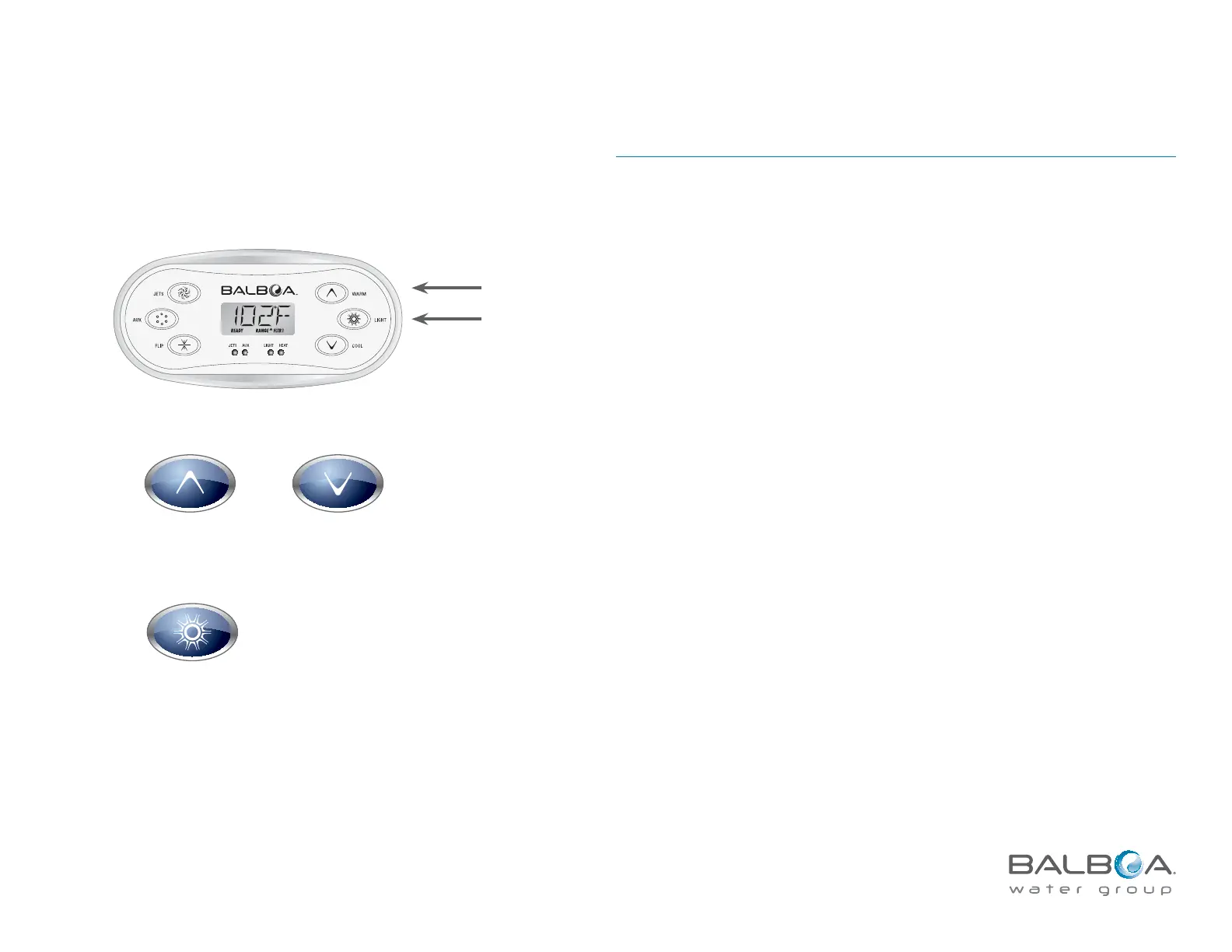
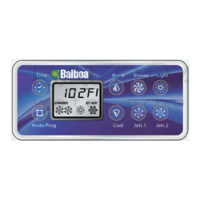
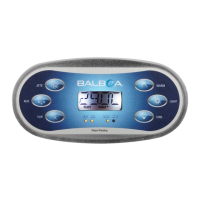
Navigating the entire menu can be accomplished with two buttons:
1) Either temperature button (also, if the panel has a single TEMP icon)
2) The Light button
NOTE: Hereafter, all temperature buttons (i.e., “Warm” and “Cool”) will be
referred to as a TEMP button.
Warm/Cool Temperature Buttons
An “Action” Button:
Allows changing the Set Temperaturet
Provides a flashing screen, which prompts the user for further actiont
Changes preferences within a menut
Light Button
A “Choose” Button, depending on control panel configuration:
Turns the LED lights on and offt
Enters the menus when numbers are flashingt
Scrolls through the menut
Makes a selection (“Enter”)t
Waiting for 10 seconds will return the panel to normal operation and a display
of spa status.
WARM COOL
LIGHT



 To Next Page