Revolution
Transforming the Control of Hot Tubs
44
Manufactured under one or more of these patents. U.S. Patents: 5332944, 5361215, 5550753, 5559720, 5,883,459, 6253227, 6282370, 6590188, 6976052, 6965815, 7030343, 7,417,
834 b2, Canadian Patent: 2342614, Australian patent: 2373248 other patents both foreign and domestic applied for and pending. All material copyright of Balboa Water Group.
Adjusting Filtration Time for F1
In adjusting the filtration times, you’ll enter Filtration Screen one (F1), set
the beginning time (in hours and minutes), and then the duration. The
second filtration times (F2) are created the same way.
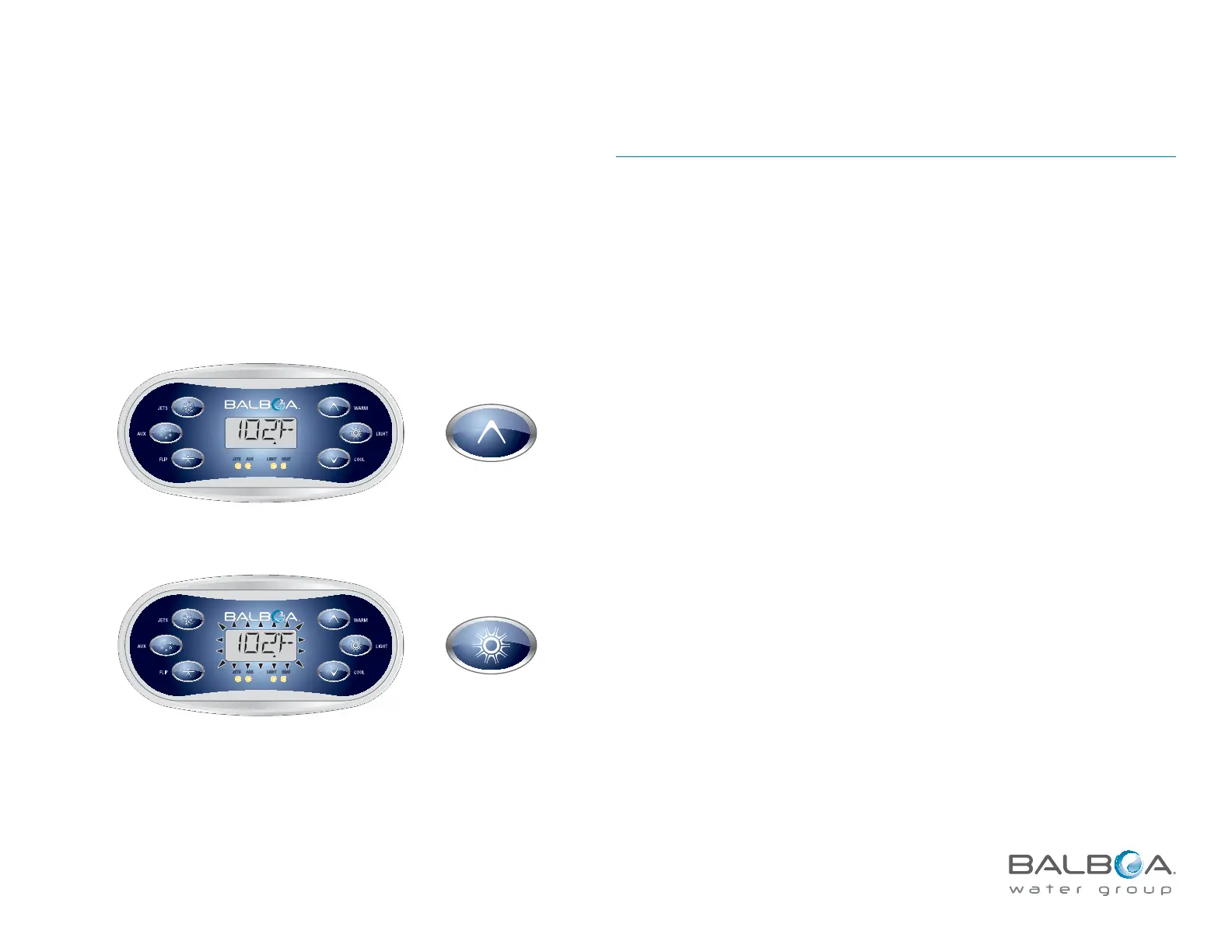
Main Menu > FILT1 > OFF/ON > BEGN
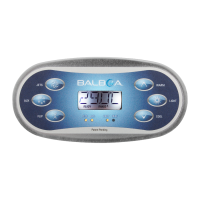
Press LIGHT
repeatedly until
FLTR
1
appears.
READY
R
ANGE
FLTR
1
JETS AU X LIGHT HEAT
READY
R
ANGE
FLTR1
JETS AUX LIGHT HEAT
At the main screen, begin by pressing TEMP.
A capital F appears with a flashing number one to designate that it’s the first
filtration cycle that’s being adjusted.
(An extra press of LIGHT will take you to F2.)
The temperature flashes.



 To Next Page