Revolution
Transforming the Control of Hot Tubs
17
Manufactured under one or more of these patents. U.S. Patents: 5332944, 5361215, 5550753, 5559720, 5,883,459, 6253227, 6282370, 6590188, 6976052, 6965815, 7030343, 7,417,
834 b2, Canadian Patent: 2342614, Australian patent: 2373248 other patents both foreign and domestic applied for and pending. All material copyright of Balboa Water Group.
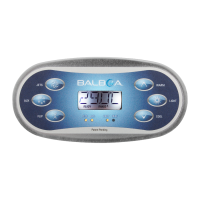
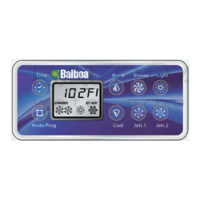
Press TEMP buttons
for desired
set temperature.
Temperature Adjustment
Press TEMP buttons for desired t set temperature.
The numbers flash during temperature adjustment. t
Press LIGHT to return to main menu; or, main screen returns in 5 seconds. t
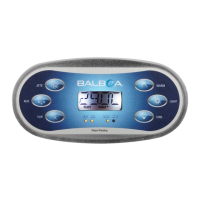
Temperature Adjustment with One TEMP Button on Panel.
1st TEMP button press causes temperature to flash.t
2nd TEMP button press causes the temperature to change.t
Press LIGHT to return to main menu; or, main screen returns in 5 seconds.t
Press and Hold: Temperature Adjustment with One TEMP Button.
If a Temperature button is pressed and held when the temperature is t
flashing, the temperature will continue to change until the button is released.
If only one temperature button is available and the limit of the t
Temperature Range is reached when the button is being held, the
progression will reverse direction.



 To Next Page