First Print
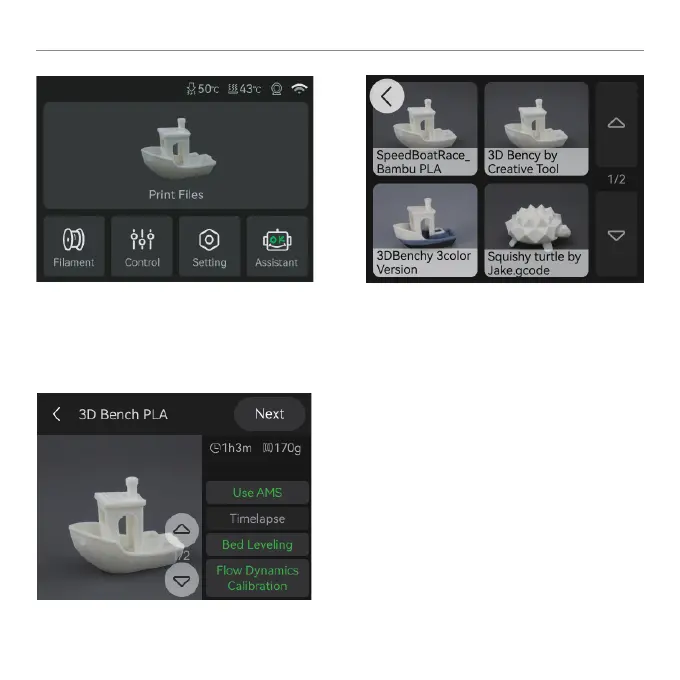
① Press “Print Files” to access the
preloaded models on the SD card.
② Select the model you want to print.
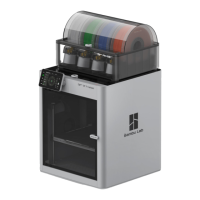
③ Turn on “Use AMS” if you are using
laments on AMS.
Turning on “Bed leveling” is recommended.
Turn on “Timelapse” for timelapse video
recording.


 To Next Page