17
PanelMax installation instructions
20. Troubleshooting
If You Need a Service Call
If the opener needs a service please call the dealer who installed the garage door opener (their contact details are
usually on a sticker on the back of your garage door). For product assistance contact 13 62 63 within Australia.
BEFORE CALLING you should have the following information to assist in providing the appropriate
service:
1. Has anything happened since the opener last operated OK, e.g. a storm, a jolt to the door etc.?
2. What is the current light status on the opener?
3. Manually disengage the door (Section 16).
How easy is it to manually open and close the door?
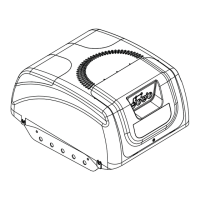
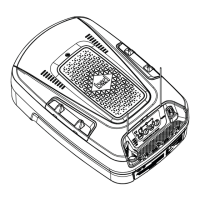
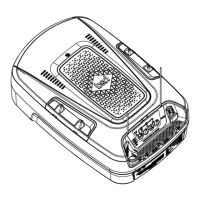
4. What model is the opener? (Model no. information is located at the rear of the opener)
5. Who installed the opener? (Dealer details should be on a sticker on the back of your garage door)
6. When was it installed? (If known)
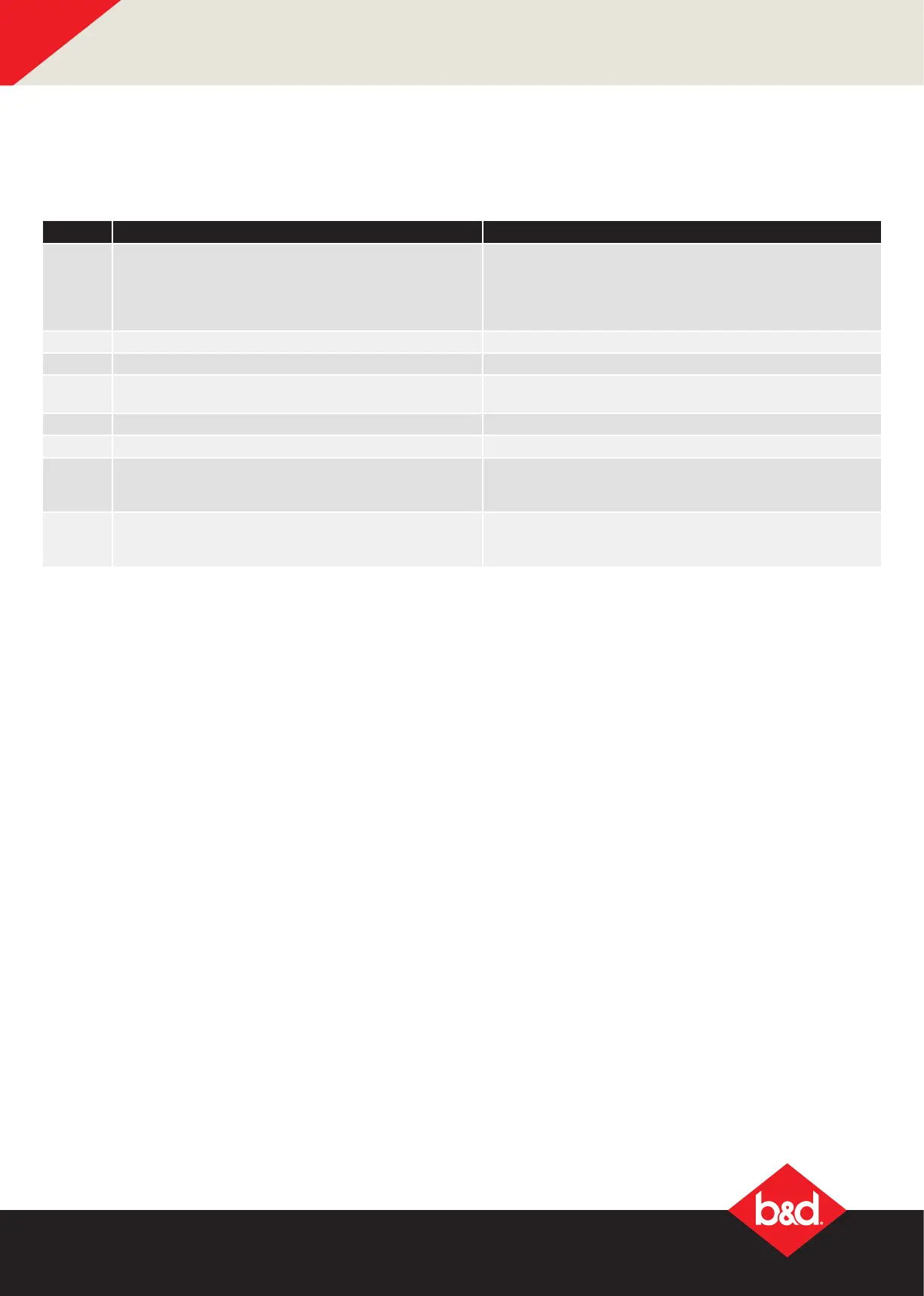
Flashes Issue Remedy
2 PE is preventing door from moving Clear away any obstructions. Test Door. If unable to move
the door and suspect beam is faulty, enter Safety Beam
Emergency Close by pressing and holding a pre-coded
button on transmitter for more than ve seconds and the
door will start closing.
3 Wireless LOCK battery is low Change LOCK battery
4 Wireless PE battery is low Change PE Battery
5 Wireless LOCK is not unlocked and preventing door
moving
Check LOCK, test by pressing emergency release button on
the lock and then test door operation.
6 Maintenance is due after pre-set number of cycles. Contact dealer to arrange service.
7 Standby battery is faulty Contact 13 62 63 within Australia for assistance
8 Door was obstructed Clear away any obstructions and test door opens/
closes correctly. (If door is damaged, contact your door
professional)
9 Motor overloaded or stalled Check the doors operation by disengaging the motor and
ensuring the door runs smoothly. If necessary make door
adjustments or contact your door professional.
Main Light = Service / Warning Indicator:
Requirements for a service and user warnings are indicated after operation by the main light repeatable
asing OFF a number of times followed by a pause. The below table identifys the issues and remedies.




 To Next Page