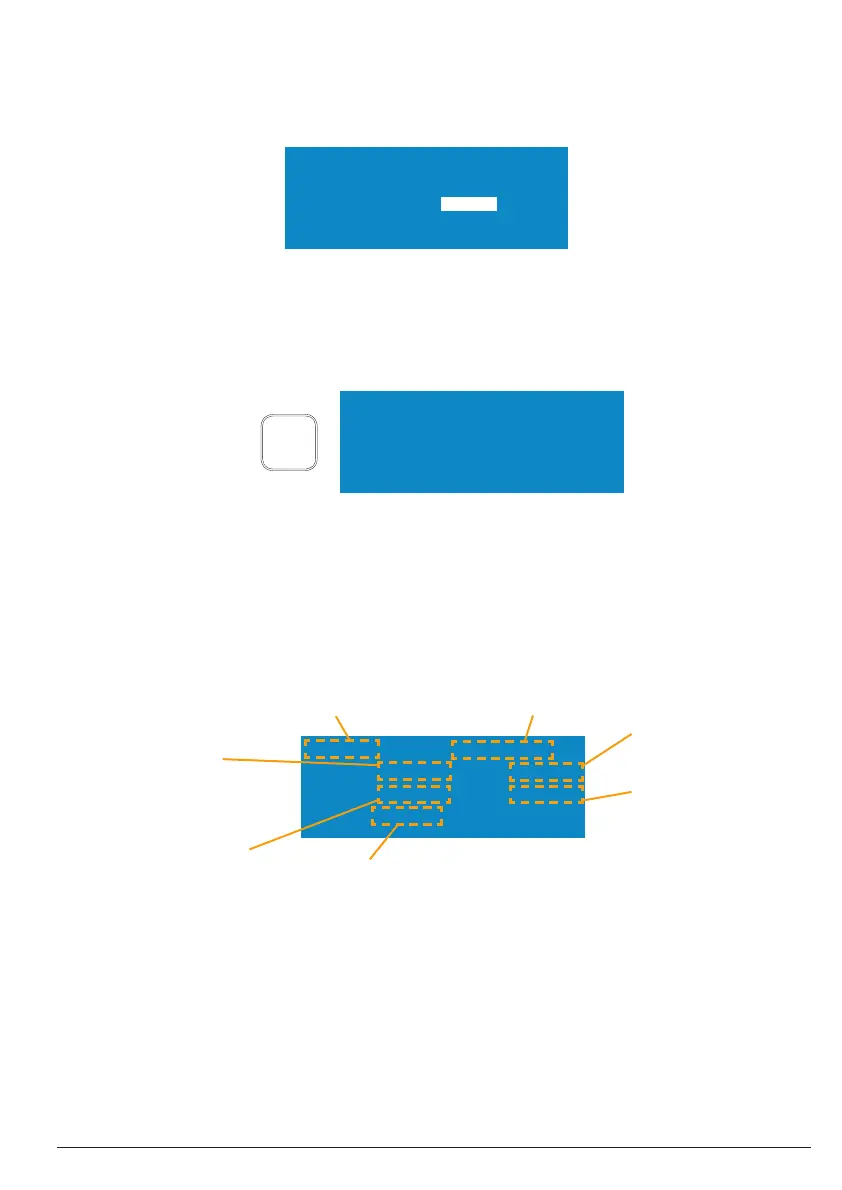
AM 25% ProgNo 5*
time 0:01:30 0:00:00
pulse 000.5s 0001.0s
En 0.000 kJ
START
STOP
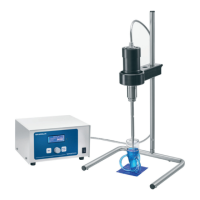
AM 25% ProgNo 5*
time 0:01:30 0:00:00
pulse 000.5s 0001.0s
energy 0.000 kJ
Preset value
Amplitude (Am) in % or
Power (Pw) in W
Preset value
Sonication time
Hours:Minutes:Seconds
(Display omitted during
continuous operation)
Preset value
Pulsation time ON
(omitted with button or
continuous operation)
Energy applied
to the medium
Preset value
Pulsation time OFF
(specifi cation omitted with
continuous operation)
Time elapsed
Hours:Minutes:Seconds
Programme No.
with modifi ed programmes, a “*” appears
behind the No.
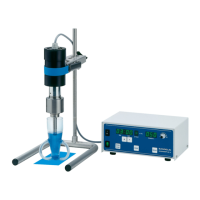
BANDELIN
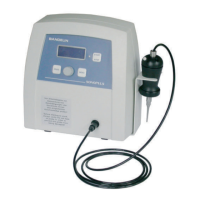
SONOPULS mini20
Microtip: MS 2.5
o.k. [start]
MS 2.5
15 / 3851406c GB/2019-07
1 electronic GmbH & Co. KG • Heinrichstraße 3-4 • 12207 Berlin • Deutschland • info@bandelin.com
3.1.1 Turning the homogenizer on/off
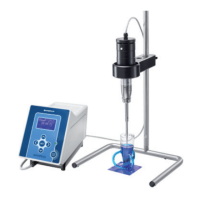
The homogenizer is turned on using the power switch on the rear side of the HF generator.
After turning on, the LCD display must light up. Initialisation occurs automatically. The ultrasonic
homogenizer will display the manufacturer’s name, type designation, and the last-connected
sonotrode [probe].
If the probe type displayed does not conform with the probe that is mounted, the correct probe
type will have to be set before the next step using the rotary knob. By pressing the “START/
STOP” button, the menu switches into stand-by mode and the ultrasonic homogenizer is ready for
operation. The parameters used during the last operation will be set again and displayed.
The mains switch can also be used for powering off.
When the HF generator is powered off, the memory contents are saved and become available
again when the generator is powered on.
3.1.2 Explanation of the display fi elds
3.2 Setting the operating parameters
With the exception of the amplitude and power, the operating parameters can only be set while
in stand-by mode (idle mode). The editing mode is activated by pressing the “ MENU” button. It is
possible to switch between the individual parameters by repeatedly pressing the “ MENU” button.
In the marked area (inverse view) of the selected parameter, the desired value is set by turning the
rotary knob. By pressing the “START/STOP” button, the editing mode is exited.


 To Next Page