Prevent overfilling of the area !!!
a) If there is no natural ventilation for more than 15 minutes (fully enclosed
space), and / or
b) the area is overfilled; the number of m³ indicated on the cartridge is
significantly larger than the volume of the space to be protected,
there is a chance that the fog may leave behind a thin film of condensation
on smooth and / or cold surfaces.
As soon as there is ventilation this practically invisible and water-soluble thin
film will evaporate within 24 hours.
If a cartridge is placed in the fog generator which does not correspond to
the volume set by the dip switches [M³), a fog ejection command will still
allow the fog generator to activate this cartridge in any case. Of course,
the result will not meet the stated expectations for filling the volume,
because there may be not enough or too much fog produced.
For more information about how to set the fog ejection volume, see
instructions relating to the connected fog generator.
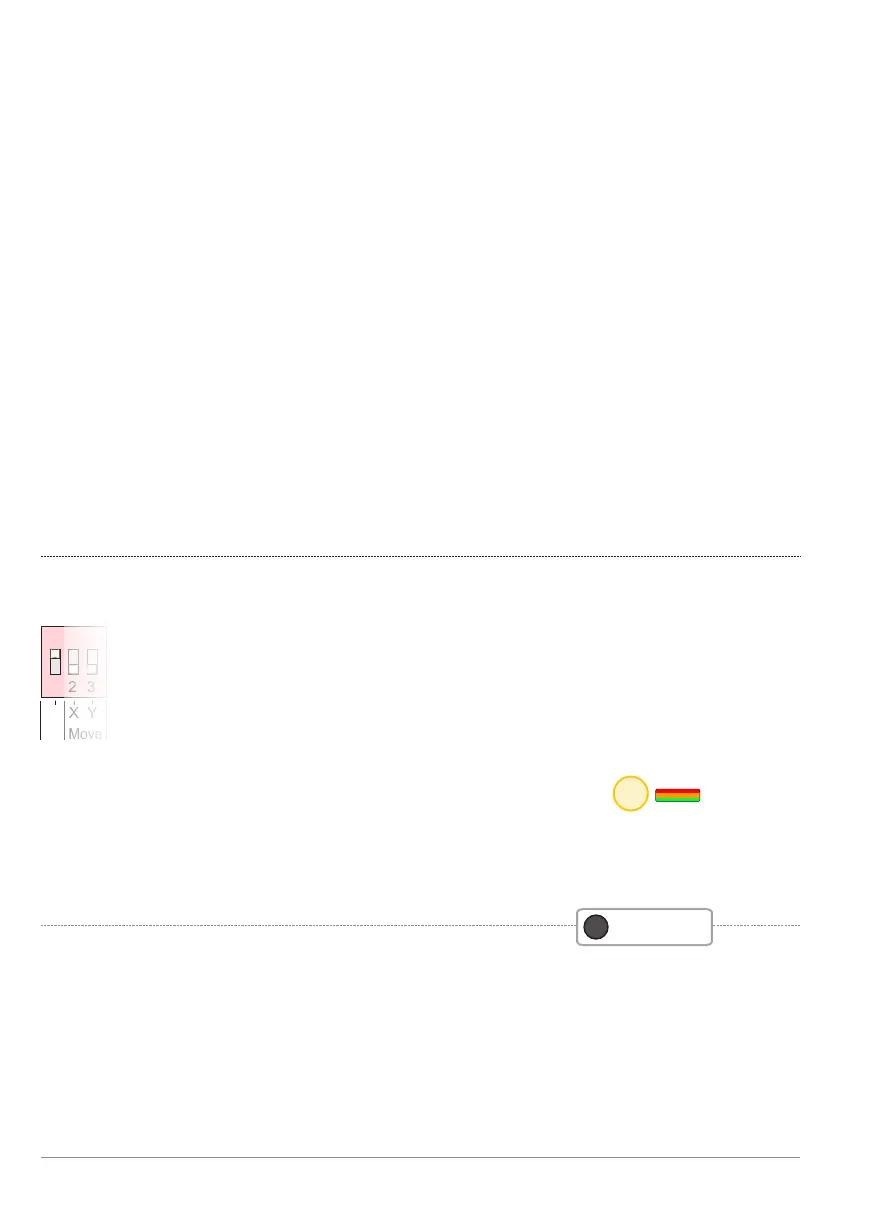
1 2 31 2 3
Front
Move
X Y
1 2 3
ON
Front
Read dips
Dip switch: Front-LED fog generator [Front]
Operating this DIP switch disables the Front LED on the fog
generator. This is to comply with the standards EN-50131-8
and parent EN 50131-1: 2006 clause 8.5.2. (no Indications of
an I & HAS should be shown to the public (Access level 1)).
Dip Front: Front LED fog generator Y / N.
- ON - Front LED is operational, similar to the LEDStatus
(factory default).
- OFF - Front-LED is disabled (no visual status indication via fog generator
in accordance with EN 50131-1)
21
p. 24 - Dip switch settings
BANDIT Controller CF31 v2 / Manual v.102


 To Next Page