yes
no
Alarm
!
Dip A
ON
Dip A
OFF
Alarm-
status
no
yes
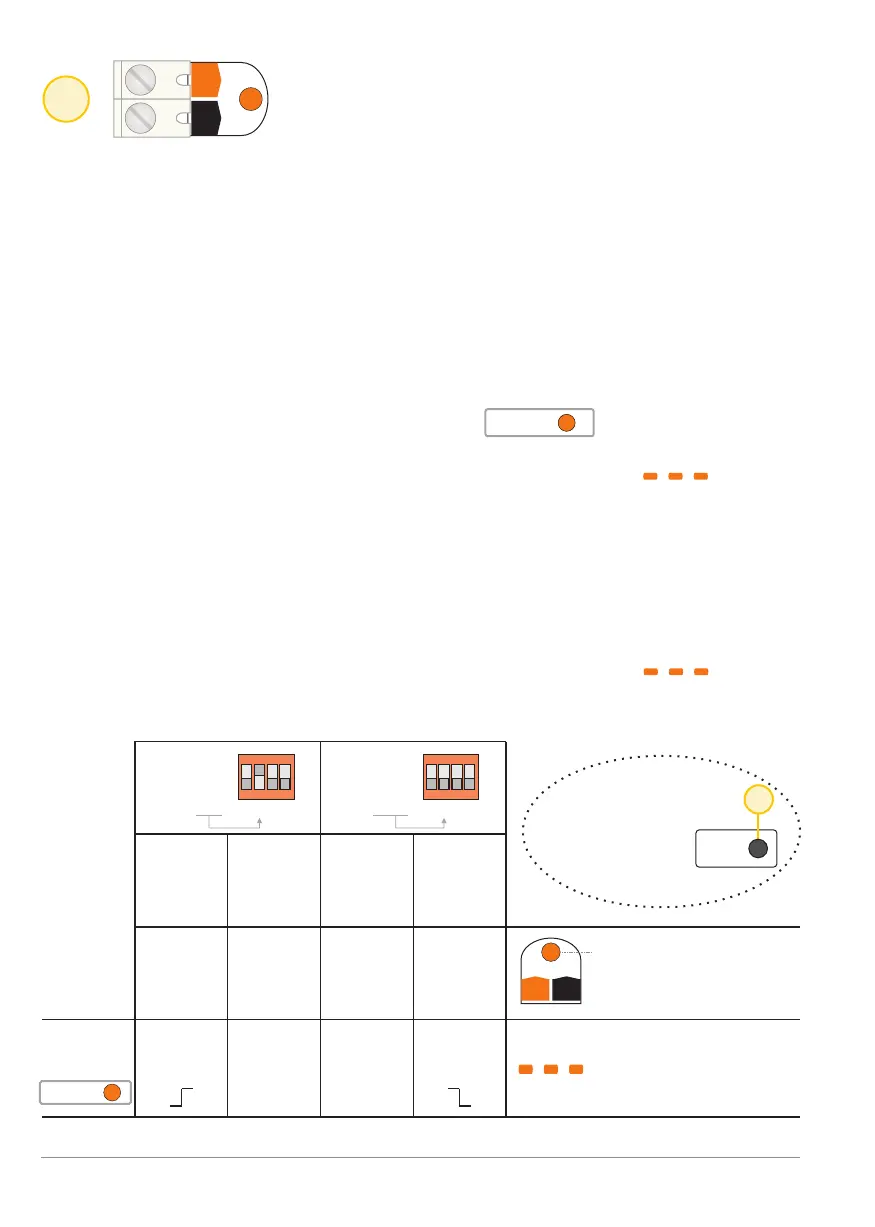
Alarm LED lights as long
as there is 12 V present
on the Alarm input
The fog generator front
LED flashes orange while
alarm mode is active
(Alarm mode).
3
Input: Alarm input [Alarm]
Alarm
Alarm
A+
A+
A-
A-
G
G
A
A
C
C
F
F
Inputs Inputs
ON ON
2 21 13 34 4
Through this input an alarm generated by the intruder alarm system
or burglar detector is reported to the BANDIT.
If an alarm signal is received (momentary pulse) on this input while the unit:
- Is in monitoring mode, and
- Confirm input [Confirm] is active,
the controller will switch to the "alarm mode” and the fog generator will
subsequently start a fog ejection.
For the conditions to enable switching to the alarm mode and associated
fog ejection, see next page 7 "confirmation" and page 12 "Flowchart".
Properties of the "alarm status”
- The orange LED [Alarm] will be illuminated in the section Status
as long as the device is in "alarm mode".
- The front LED of the BANDIT fog generator will flash orange as
long as the device is in "alarm mode".
- An active Alarm mode (caused by an alarm input during the monitoring
mode [Guard]) will be terminated if monitoring mode is disabled.
Activation of the alarm input [Alarm]:
- Depending on the position of dip switch A, alarm mode will start when either
a negative or a positive voltage transition (edge) is present on this input.
- The front LED of the BANDIT fog generator will flash orange .
Logical truth chart for the Alarm input [Alarm]:
Alarm
p. 6 - Alarm input
BANDIT Controller CF31 v2 / Manual v.102
12 V
on
Alarm
No
voltage
on
Alarm
No
voltage
on
Alarm
12 V
on
Alarm
on
off off
on
F
15
Read
dips
Changes to dip-
switch settings
are only valid
once confirmed


 To Next Page