59
ZONE 1 FAVORITE PRESETS
Favorite presets need only be setup after adding/changing presets or sources. This feature allows for skipping
selected presets when pressing the remote CHANNEL + & CHANNEL − buttons or front panel preset (+) button.
When you save a preset it will be automatically added to the favorite preset list. If using the remote be sure it is in
B&K mode and you are in the MAIN MENU.
From Remote From Front Panel Action
1
À(UP) or §(DOWN)
(UP) or (DOWN) move to Zone 1 Favorite
2 SEL or ENTER (ENTER) activate ZONE 1 FAVORITE
3 number or +10 + number (PRESET) step to desired preset select a preset for Favorite Preset
4
¶
(LEFT) or
•
(RIGHT)
VOLUME KNOB select yes/no
5
À(UP) or §(DOWN)
(UP) or (DOWN) rename preset if desired
6 ENTER (ENTER) save preset name
7 repeat 3-6 repeat 3-6 modify additional favorite presets
8 MENU MENU return to main menu
9 MENU MENU exit menu system
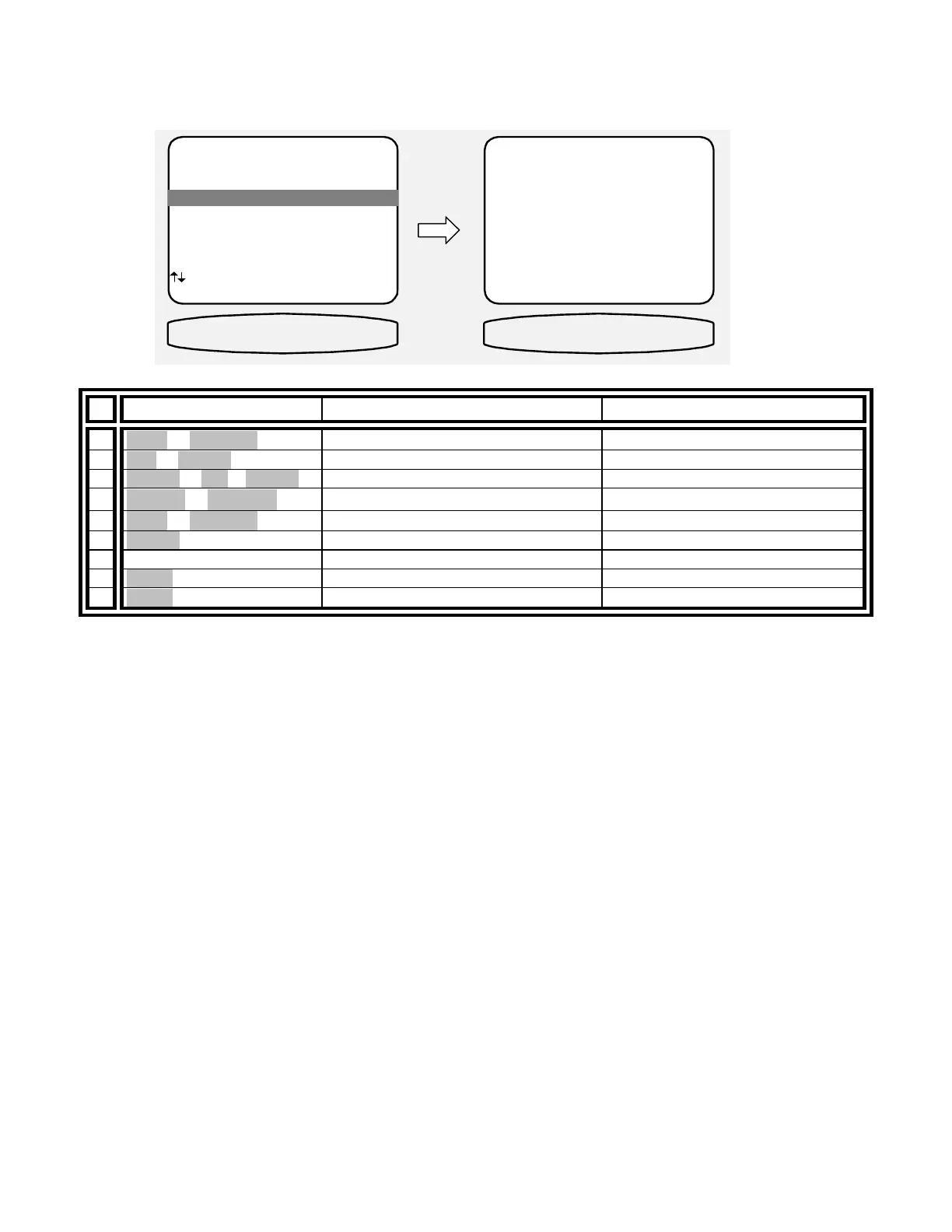
MAIN MENU
1 Zone 1 Operation
2 Zone 2 Operation
3 Zone 1 Favorite Presets
4 Zone 2 Favorite Presets
5 System Setup
6 Memory Backup/Restore
next item SEL select
MENU exit menu system
3 Zone 1 Favorite Presets
Z1 FAVORITES
ZONE 1 FAVORITES
Preset 0 Yes
'TV -25 dB '
0..9 +10 preset recall SEL
edit name yes/no
MENU main menu
Z1 0 TV -25 YES
↑ ↓
← →


 To Next Page