82
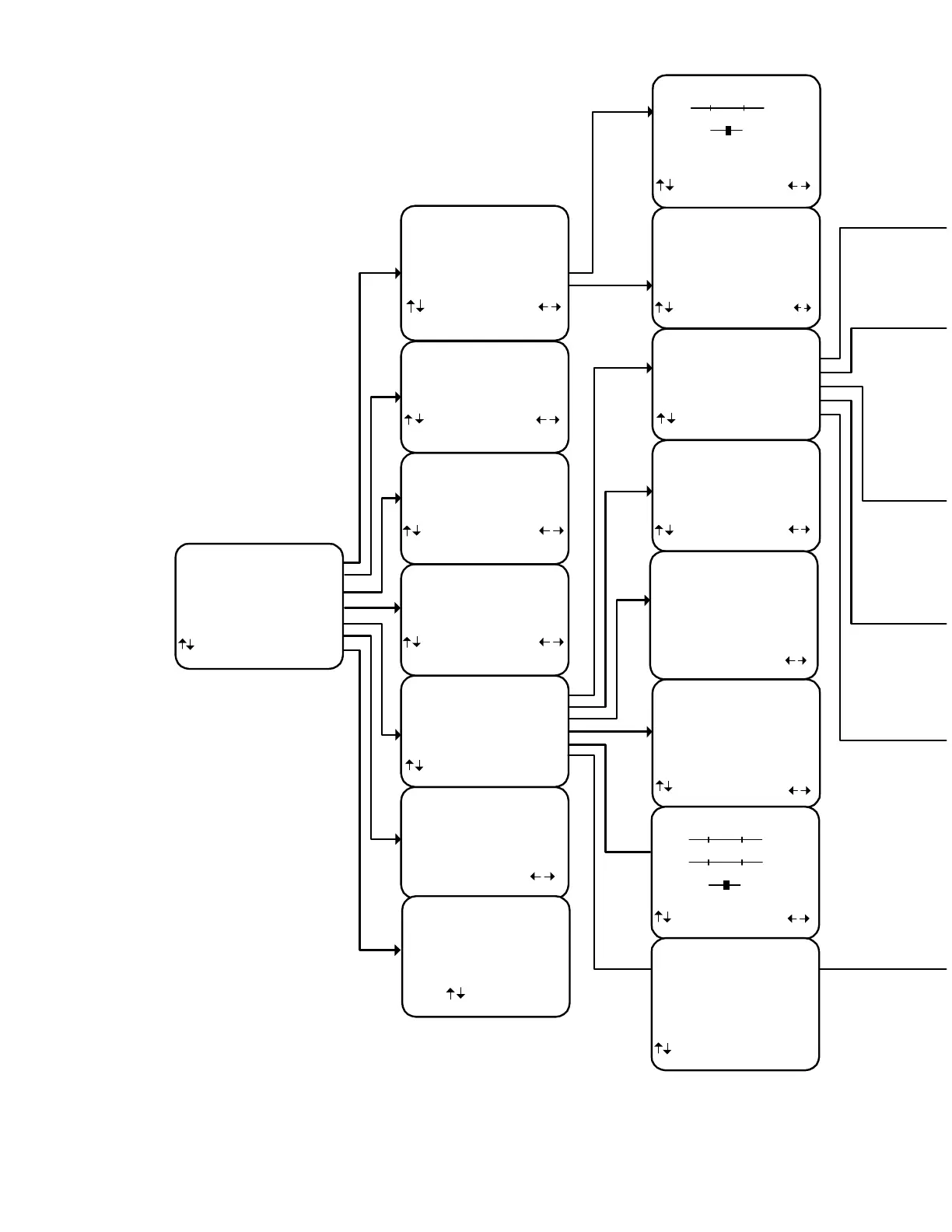
THE OSD MENU SYSTEM A
SETUP SPEAKERS
1 Speaker Size
2 Speaker Location
3 Speaker Levels
4 Crossovers + LFE
5 Room Equalization
next item SEL select
MENU system setup
SETUP DISPLAYS
1 Front Panel Bright
2 Overlay Opaque Bright
3 Background Color Grey
4 Z1 Monitor Video Auto
5 Z1 Monitor Aspect 4:3
next item adjust
MENU setup system
SETUP PRESETS
1 Volume in Presets Yes
When recalling a preset
volume level changes to
Preset Level
2 Preset Names Auto
When saving a preset
system generates a name
next item adjust
MENU setup system
MEMORY BACKUP AND RESTORE
1 Memory Operation Backup
Save ALL memory
settings in EEPROM
SEL preform adjust
MENU main menu
SETUP SYSTEM
1 Speakers
2 Displays
3 Inputs
4 Presets
5 Music Modes
6 Advanced
next item SEL select
MENU main menu
ZONE 2 FAVORITES
Preset 0 No
'TV -25 dB '
edit name yes/no
0. . 9 +10 Preset recall SEL
MENU main menu
ZONE 1 FAVORITES
Preset 0 Yes
'AM Traffic '
edit name yes/no
0. . 9 +10 Preset recall SEL
MENU main menu
ZONE 2 OPERATION
Power On
Source DVD Record DVD
Video DVD Volume -25.0
next item adjust
0. .9 +10 recall preset SAVE
MENU main menu
MAIN MENU
1 Zone 1 Operation
2 Zone 2 Operation
3 Zone 1 Favorite Presets
4 Zone 2 Favorite Presets
5 System Setup
6 Memory Backup/Restore
7 Unit Information
next item SEL select
MENU exit menu system
ZONE 1 OPERATION
Source FM Stereo 103.3
Video TAPE Volume -10.0
Mode Surround Center + 3.5
DPL II Music Rear - 4.5
Spkrs 6 Sub + 1.5
Eq 2 Loudness
next item adjust
0. .9 +10 recall preset SAVE
MENU main menu
VARIABLE EQUALIZATION
Frequency Level
Bass 320.0 Hz +4.5 dB
Treble 10.0 kHz - 3.0 dB
LFE Level -20.0 dB
Dynamic Range Limited
next item adjust
MENU zone Operation
UNIT INFORMATION
1 Unit Reference 50
2 Softwre Version 1.00
3 S/N 0000012345
4 BKC-DIP 1.02.01
5 TUN-PLL LM72146
next item
MENU main menu
DPL II MUSIC SETUP
1 Center Width 3
2 Dimension 3
rear front
3 Panorama YES
next item adjust
MENU zone Operation
SETUP MUSIC MODES
1 NEO:6 Center Image 0.3
2 DPL II Center Width 3
3 DPL II Dimension 3
rear front
4 DPL II Panorama YES
next item SEL select
MENU main menu
ADVANCED SYSTEM SETUP
1 Zone 1 Setup 'A'
2 Zone 2 Setup 'B'
3 Power On Titles
4 Control Out
5 Security Options
6 DSP Usage
7 RS-232 Control Port
next item SEL select
MENU setup system
SETUP DVD INPUT
1 Favorite Mode Surround
2 Favorite Speakers Back 4
3 2-chan decoder DPLII Movie
4 Multi-chanl type Movie
5 Level +5.5 dB
6 Name 5char
7 Component Video 3
8 DVD Audio Input Yes
next item adjust
MENU system setup


 To Next Page