Chapter 9. - Customization
The BaoFeng BF-F8HP allows for customization of both the power-on message (via computer link
only), and the backlight color during the three states of the transceiver (Transmit, Receive and
Standby).
Display
The LCD on the BaoFeng BF-F8HP is backlit by multi-color LEDs, the color of which can be pre-
set from the menu system into a variety of colors.
To change the colors, follow these steps:
Procedure 9.1. Changing backlight color
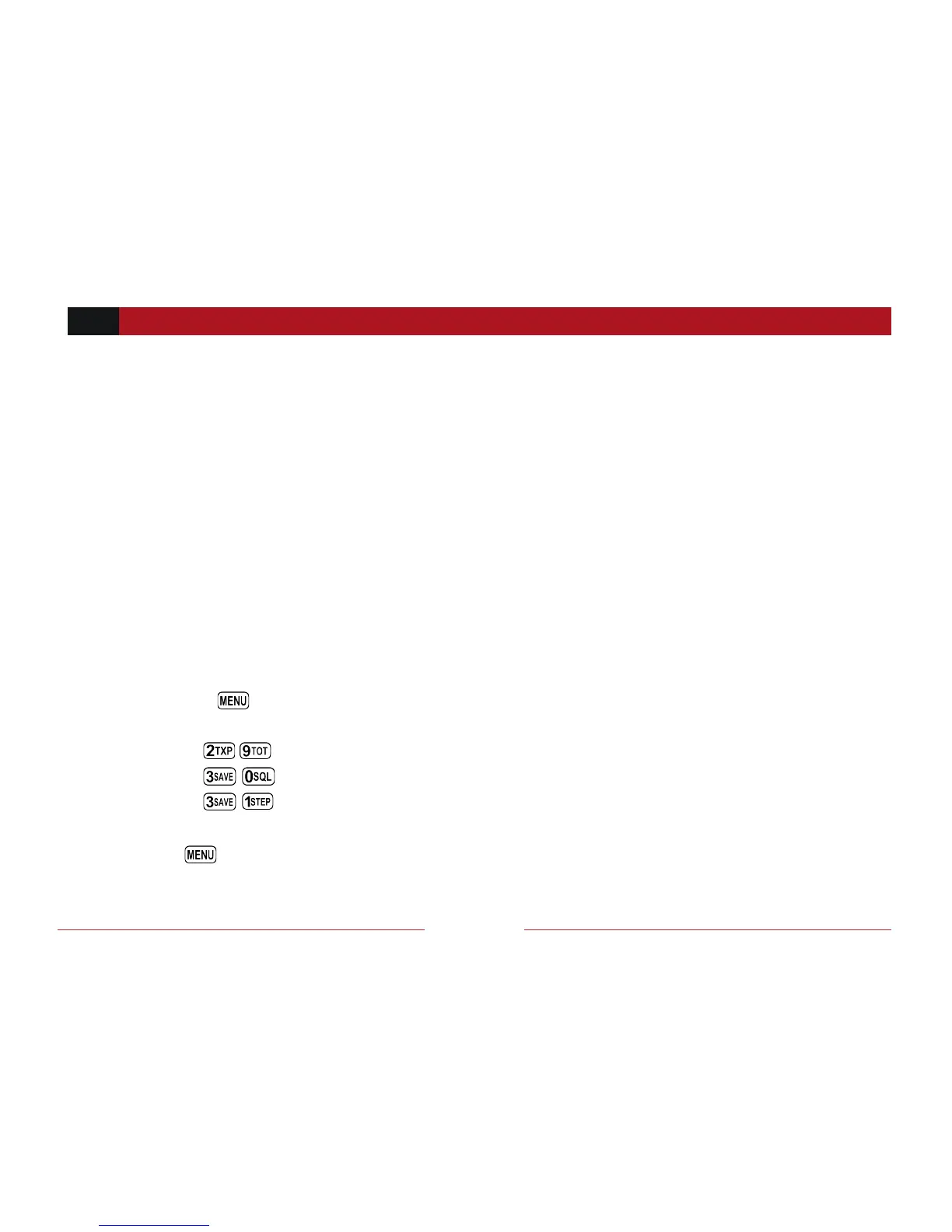
1. Press the key to enter the menu.
2. Enter one of the following on your numeric keypad:
a. to change the standby color.
b. to change the receive color.
c. to change the transmit color.
3. Press key to select.


 To Next Page