Display Controller 11
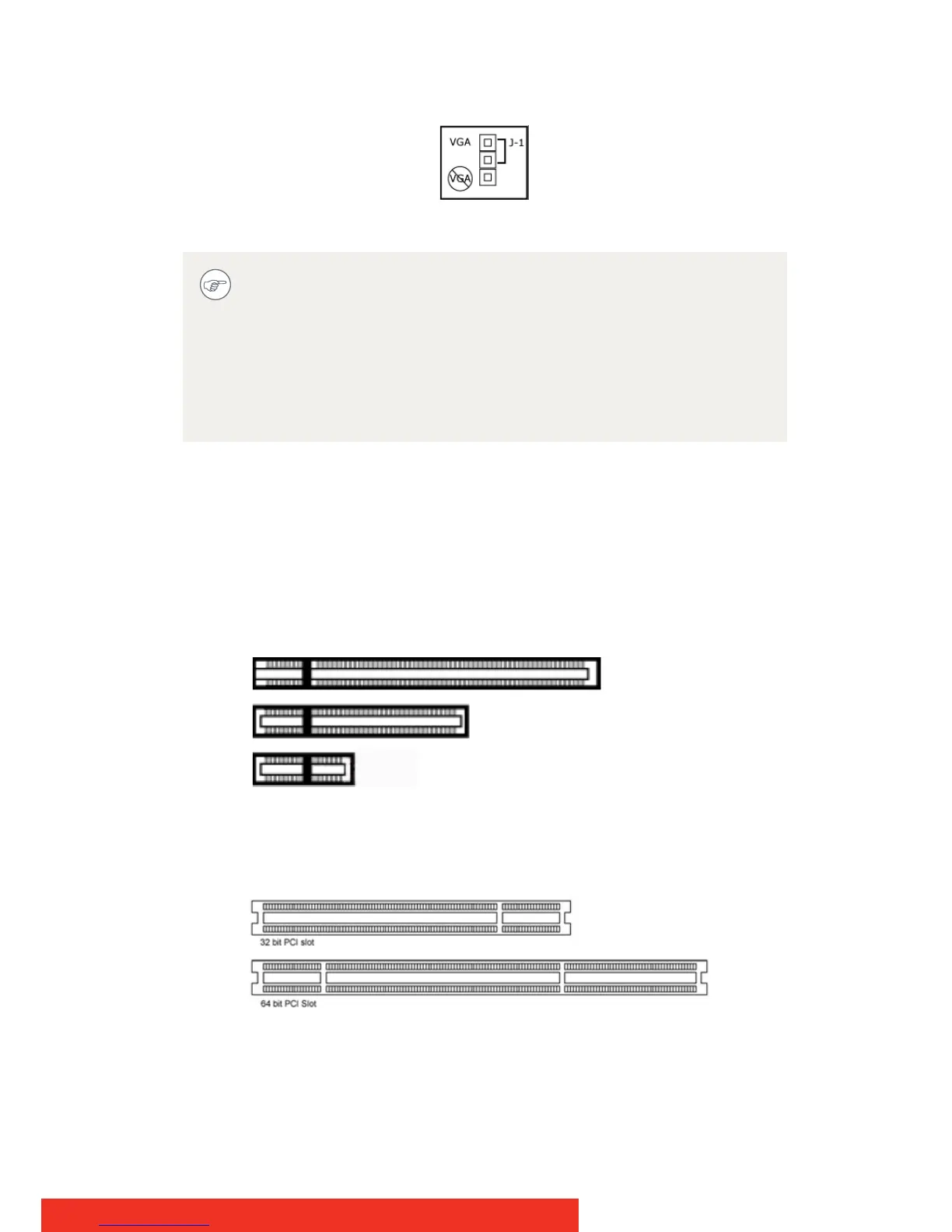
Display controller VGA Jumper, VGA enabled
WHICH PCI/PCIE SLOT TO USE
The table on the preceding page lists the different display controller
model(s) available for your B
ARCO Display System and the recommended
PCI/PCIe slot to use for optimum performance. Figure shows the
different types of PCIe slots that can be used.
Examples of PCIe slots
The next image shows the two different types of PCI slots that can be
used.
Examples of PCI slots
To use multiple BarcoMed display controllers in a single
computer, you need to enable VGA on only ONE of the
BarcoMed display controllers and disable VGA on ALL the other
BarcoMed display controllers. To use a BarcoMed display
controller with a third party VGA controller or with one or more
Barco MXRT display controllers, do NOT enable VGA on the
BarcoMed display controller.



 To Next Page