Display Controller 45
Advanced Properties for BarcoMed Coronis
or BarcoMed Nio
Palette modes
From the Barco Drawing Modes tab you can select one of four palette
modes.
• Color to Gray compatibility
• User Modifiable Color Palette
• Static Gray Palette including standard system colors
• Static Gray Palette with NO system colors
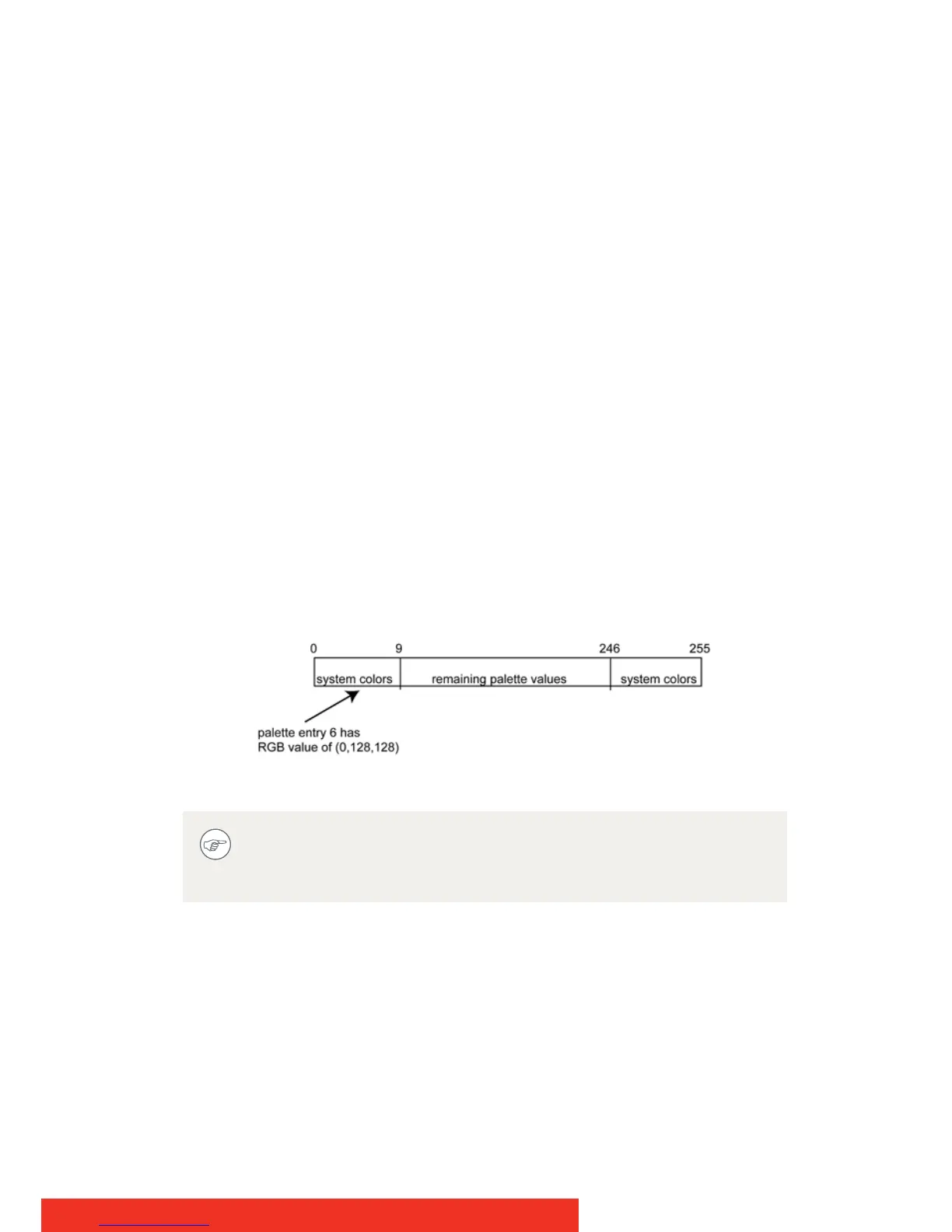
User Modifiable Color Palette: This option allows applications to modify
the palette contents dynamically. As indicated in the figure below, this
mode reserves the first 10 and last 10 entries in the palette for the
Windows operating system, but applications can manipulate the middle
236 entries. This is the standard palette mode as configured by
Windows.
User Modifiable Palette
Static Gray Palette including standard system colors: This option sets
the palette to be a static set of 256 gray values. Applications are denied
the ability to dynamically change or allocate palette entries. This
prevents palette conflicts between applications, which can cause image
color values to appear distorted in the background application.
As shown in figure below, the 20 standard system colors are converted
from RGB to gray values. The rest of the 236 entries from index 10 to
If you are unsure whether or not your application requires this
“User Modifiable Color” mode, contact your application
provider.



 To Next Page