18 Display Controller
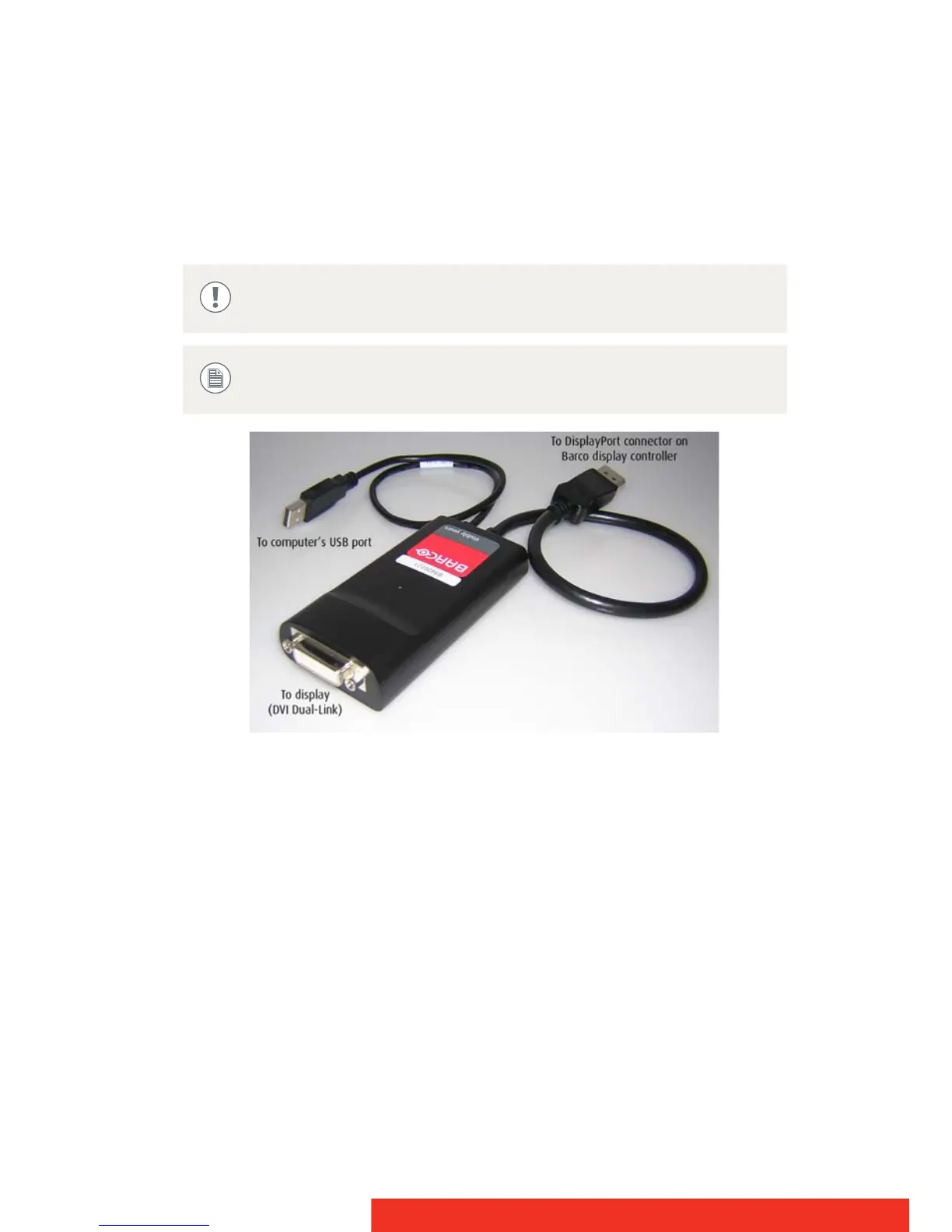
Dual-Link dongle
The Dual-Link dongle also converts DisplayPort input signals to DVI
output signals. However, unlike the Single-Link dongle, the Dual-Link
dongle offers higher resolutions for both color and grayscale displays.
DisplayPort to Dual-Link DVI Dongle - enables full refresh rate support
on color display resolutions over 1920x1200, and grayscale display
resolutions over 2048x2560. Must be ordered separately.
The Dual-Link Dongle is only needed with graphics cards that have an
active DisplayPort output, such as the MXRT-7300. Use the following
steps to install the dongle:
1 Connect the DisplayPort end of the connector to the graphics card.
2 Plug in a Dual-Link DVI cable from the display into the DVI adapter
of the dongle.
3 Connect the built-in USB power cable on the dongle to a
workstation USB port.
A Dual-Link DVI cable must be used to connect your display’s
DVI connector with the DVI connector on the Dual-Link dongle.
The Dual-Link dongle should be ordered separately.



 To Next Page