EasyManua.ls Logo

BARIX Exstreamer 1000 - Connectors and Pinouts; Connector Placement Overview; Front Panel Connector (EXT); Rear Panel Connectors

BARIX Exstreamer 1000
14 pages
Print Icon
To Next Page IconTo Next Page
To Previous Page IconTo Previous Page
Loading...
Connectors
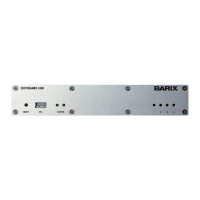
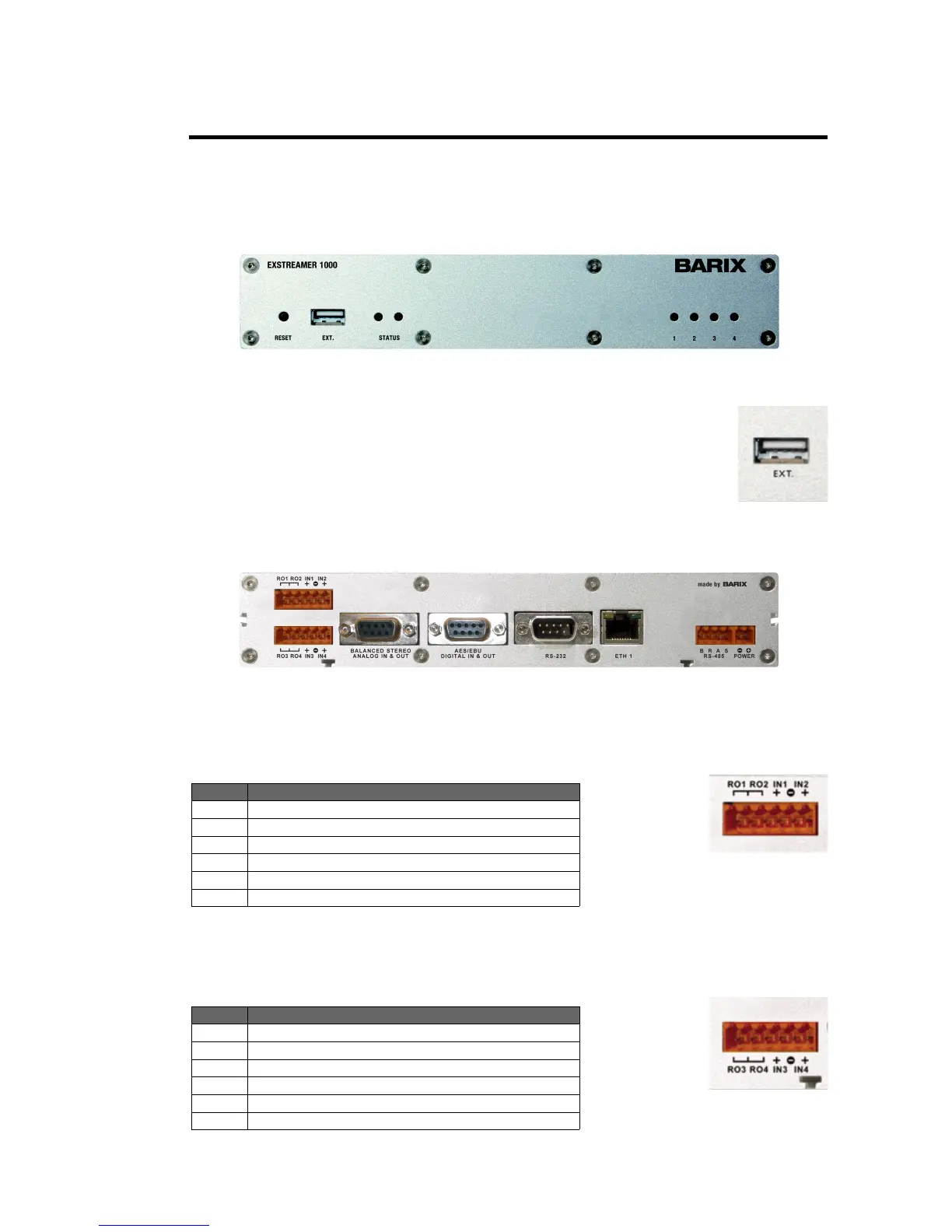
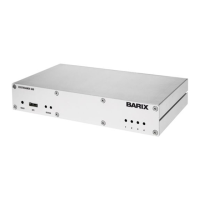
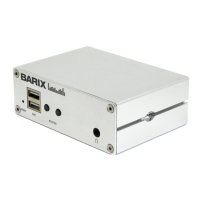
For connector placement please refer to the below photograph of the devices front and rear side.
a
Extension port (Standard USB Type A socket)
Memory extension port for use with Standard USB memory sticks
A
B
C D
E
F
G
H
I/O 1&2 (6 pin screw terminal block plug) 1 2 3 4 5 6
Pin Description
1
Output Relay 1
2
Common Relay 1 & 2
3
Output Relay 2
4
Input 1
5
Ground (-) Input 1&2
6
Input 2
I/O 1&2 (6 pin screw terminal block plug) 1 2 3 4 5 6
Pin Description
1
Output Relay 3
2
Common Relay 3 & 4
3
Output Relay 4
4
Input 3
5
Ground (-) Input 3&4
6
Input 4
BARIX AG |
4
/
14
A) Connector J1
Pin out
B) Connector J1
Pin out
Connector
placement
Front
connector
Rear
connectors
a) EXT.
Connector

Related product manuals