User Manual “Streaming Client“ - V1.31 - 8. Jan. 2007
Enter the URL of the HTTP Proxy in the format
“http://name:password@host:port” e.g.:
• “http://user1:Px2Wu3@proxy.company.com:8888”
• “http://user1:Px2Wu3@192.168.0.1:8888”
Only basic authentication is supported.
Port is optional, if none is given, default port 8080 is
assumed. Name and password can be omitted as well, if
proxy is not authenticating e.g.:
• “http://proxy.company.com”
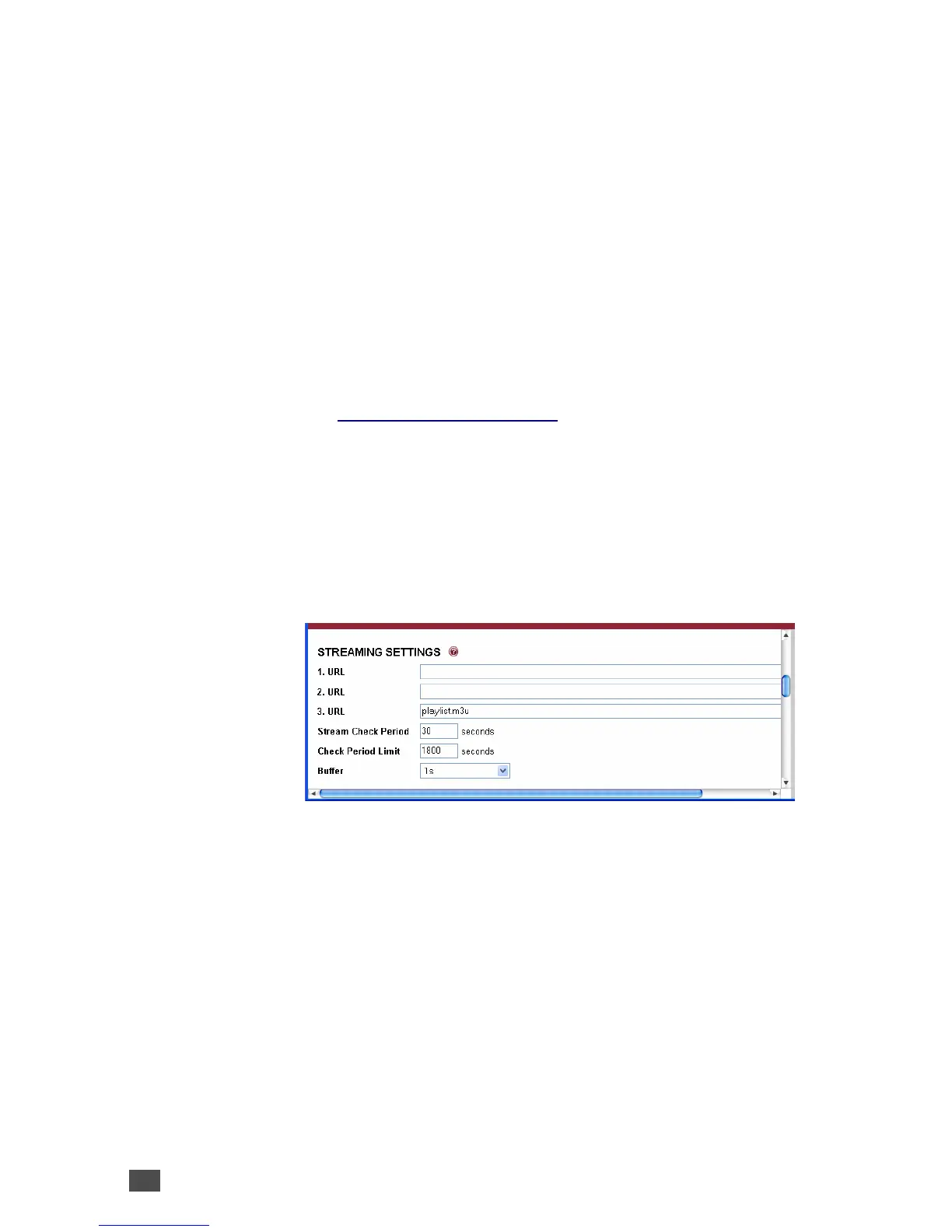
3.2 Streaming settings
This chapter explains how to adjust the way the Barix
device gets its streams, files and playlists.
Up to three independent audio sources (URLs) can be
set. Each may contain a full address of a playlist, file or a
stream. The three entries have different priorities, the
first one has the highest priority and the last one has the
lowest priority.
The device processes the sources in a loop and tries to
connect to the highest priority source available.
For details please refer to the explanation of the
parameter “Stream Check Period” towards the end of
this chapter.
18 Device Configuration



 To Next Page