User Manual “Streaming Client“ - V1.31 - 8. Jan. 2007
7 Advanced user section
7.1 Network configuration using supplied serial cable
STEP 1 Open a Terminal program.
STEP 2 Go to the settings menu and adjust the following settings:
Speed 9600 bit/sec, 8 Data Bits, no Parity and 1 Stop Bit.
STEP 3 Unplug the power supply of the Barix Exstreamer.
STEP 4 Connect the supplied serial cable to your PC’s COM port
and to the serial port of the Barix Exstreamer.
STEP 5 Keep the Reset button pushed and plug in the power
supply.
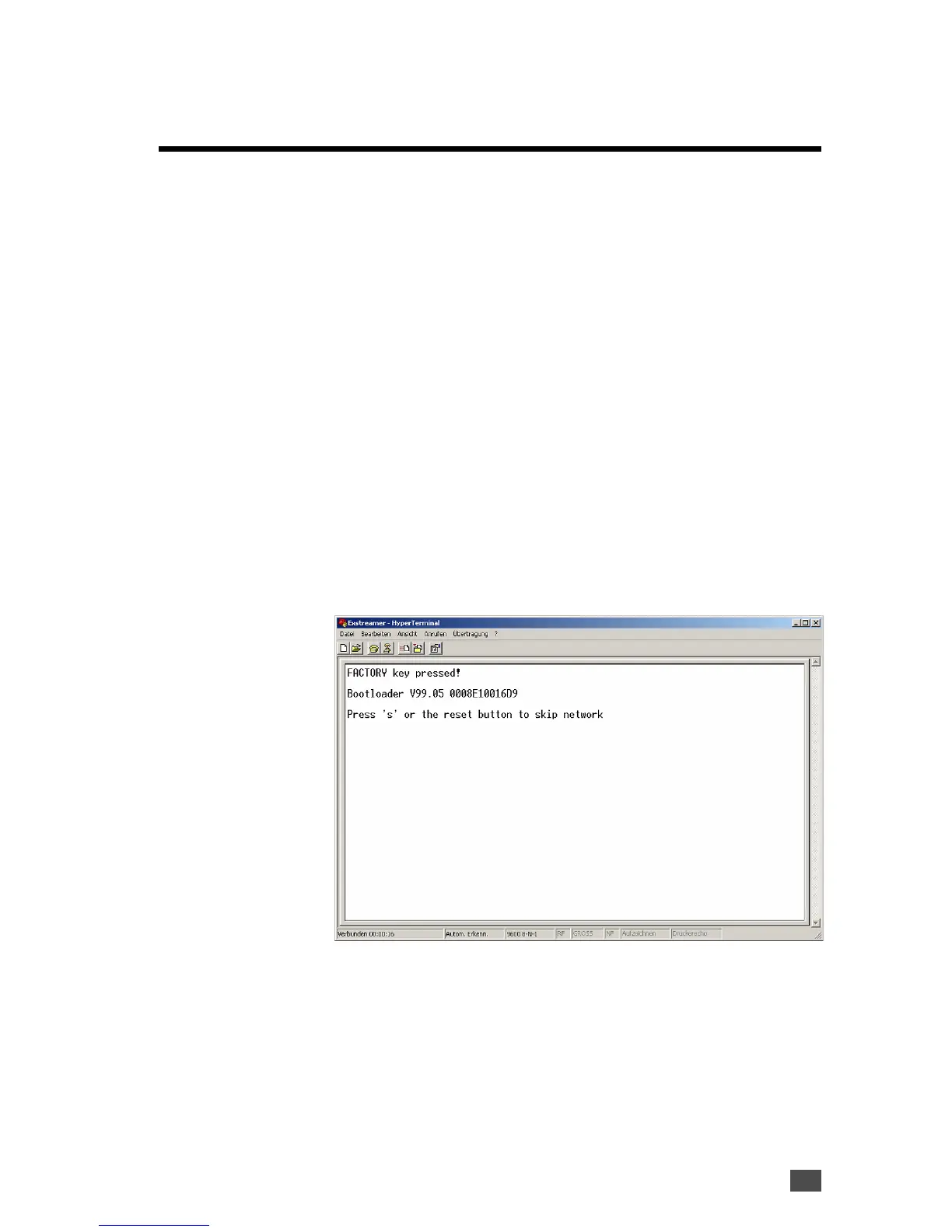
Release the Reset button as soon as you see following
screen:
Advanced user section 45


 To Next Page