User Manual “Streaming Client“ - V1.31 - 8. Jan. 2007
After the restart you will be asked for user name and
password. The user name can be omitted but the new
password has to be supplied in order to see the web
configuration.
3.8 APPLY and CANCEL buttons
APPLY
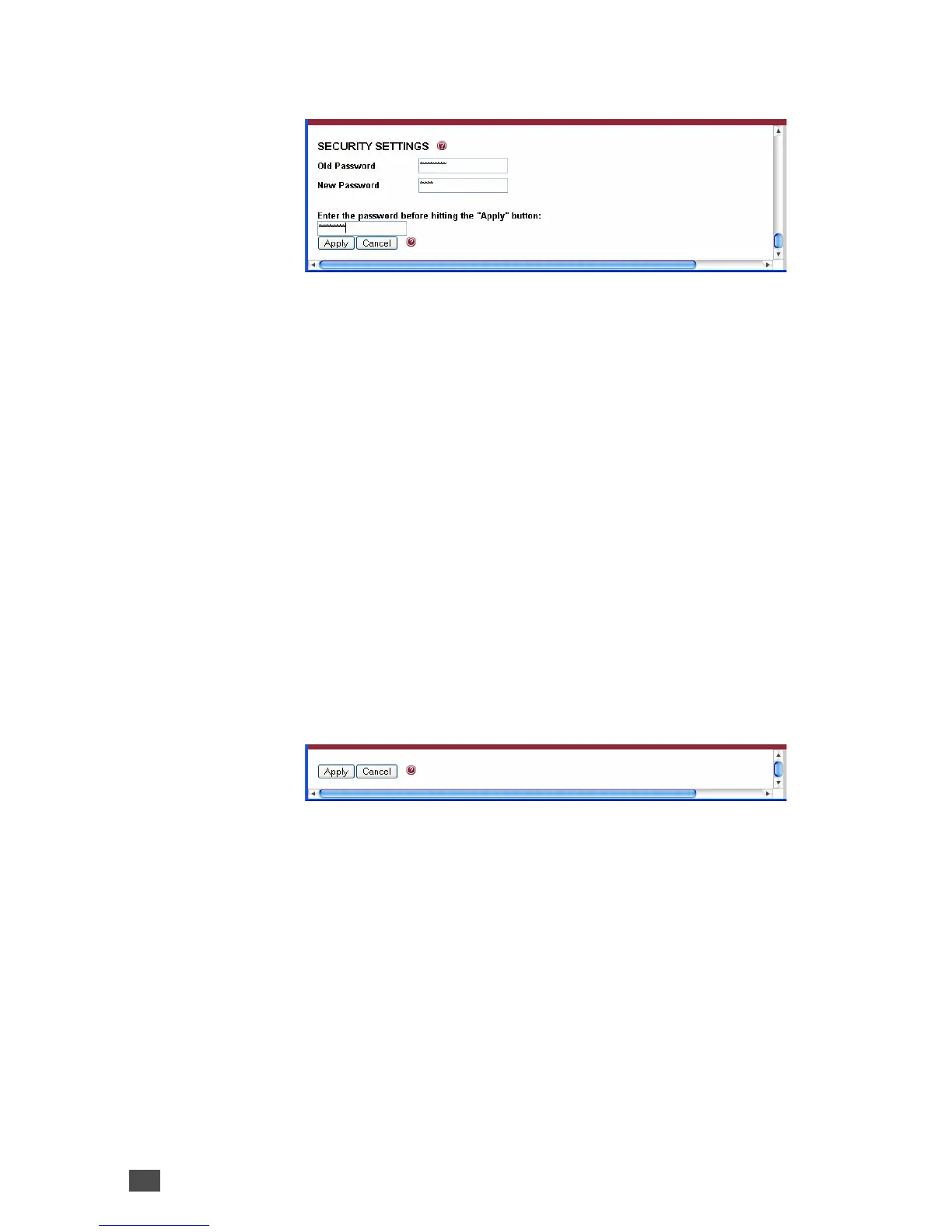
To store changed settings click on "Apply". The device
will restart with the new settings.
Exception: When security is enabled a password has to
be entered. See previous chapter for details.
CANCEL
To disregard changes click on "Cancel".
The page will reload with the current settings.
32 Device Configuration



 To Next Page