User Manual “Streaming Client“ - V1.31 - 8. Jan. 2007
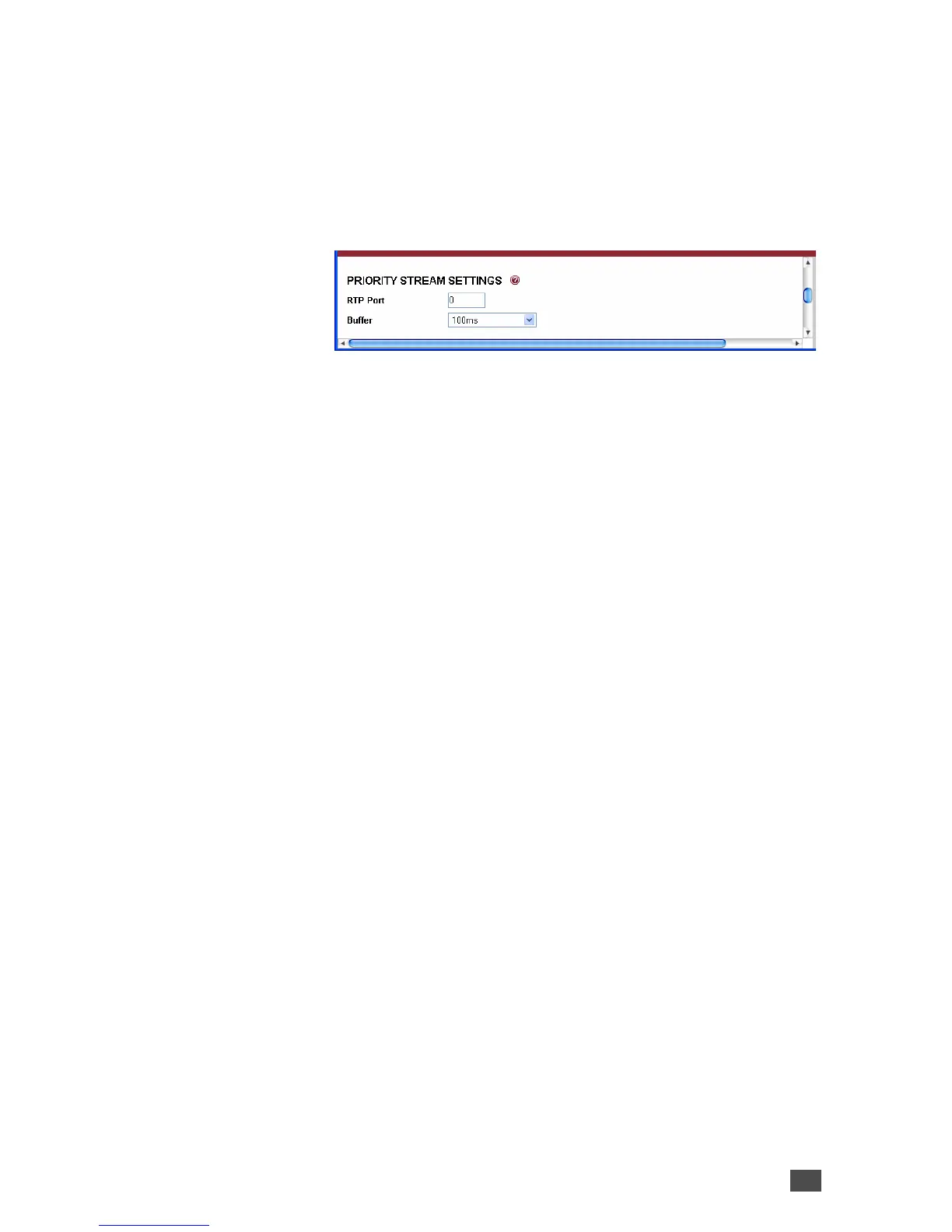
3.3 Priority stream settings
For public address, announcements or evacuation
messages the current stream or file play can be
interrupted by a received priority RTP stream.
RTP Port
Configure the RTP streaming listen port on which the
device will listen for a priority stream. A received priority
stream will be buffered (see below) and played back until
the priority stream stops, forcing the device to switch
back to the previously played stream.
Default: “0” (disabled)
Buffer
For smooth playing the priority stream is buffered in
memory (up to 64kB). The Buffer value sets the period of
time stored before starting the playback. Increase this
value to prevent sound interruptions caused by network
problems. Decrease the value to shorten the playback
start delay when switching to the priority stream.
Default: “100ms”
3.4 Play settings
This chapter explains how to adjust the way the Barix
Exstreamer gets its streams, files and playlists.
Device Configuration 25


 To Next Page