Configuration through web interface– 10
Configuration through web interface
• Login(see page 10)
• Main(see page 11)
• Intercom(see page 12)
• Account(see page 30)
• Network(see page 35)
• Phone(see page 38)
• Upgrade(see page 44)
• Security(see page 47)
Login
Searching the IP address of the outdoor panel
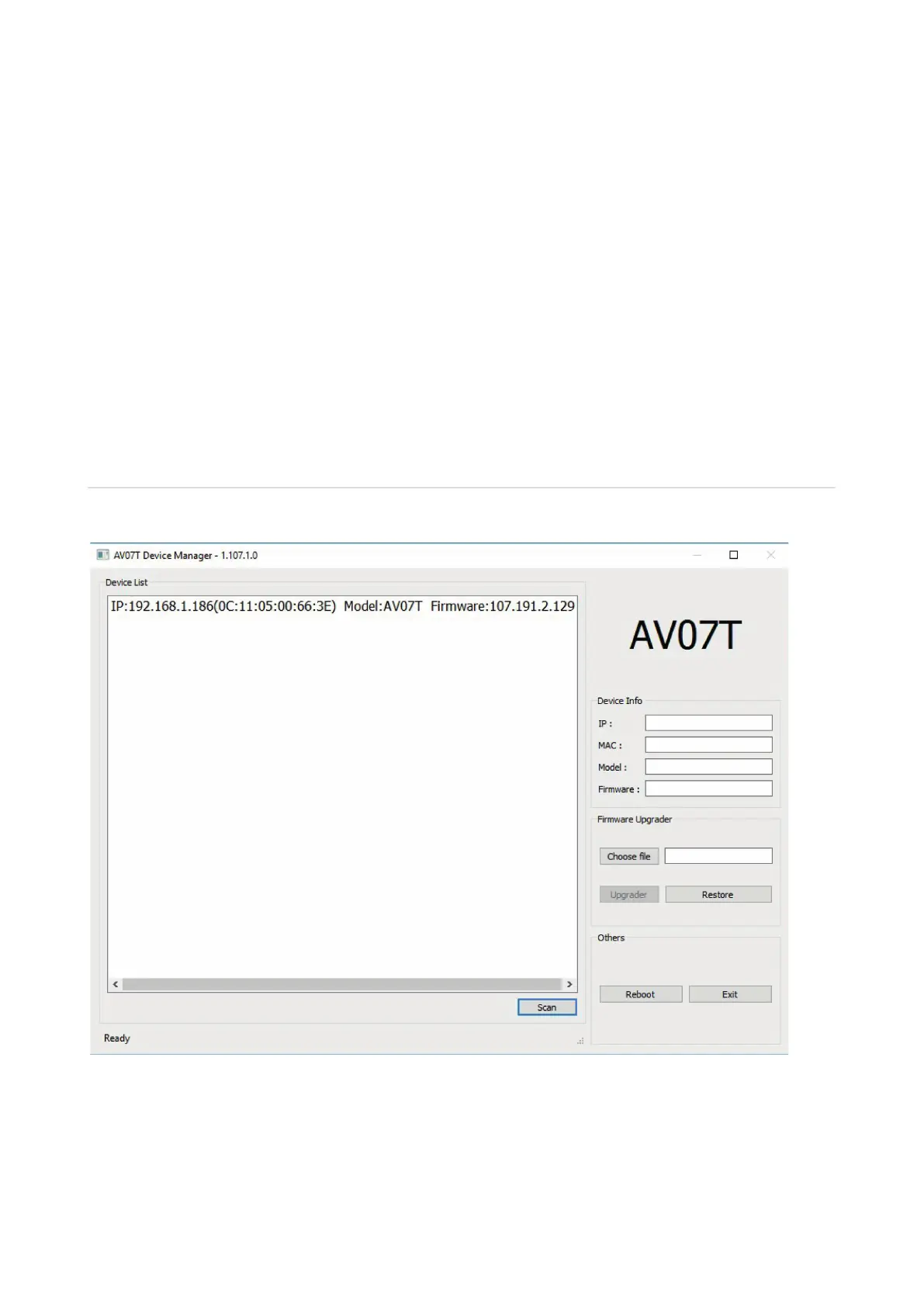
After the outdoor panel and your PC have connected to the same local area network, run the
“AV07T Device manager” to determine an IP address of the outdoor panel:
Press the “Scan” button and program window will display IP addresses of all AV-07T outdoor
panels, which are connected to the local network. It is possible to change the basic network
settings, update a firmware of the outdoor panel and programmatically restart it.


 To Next Page