17
inute minder
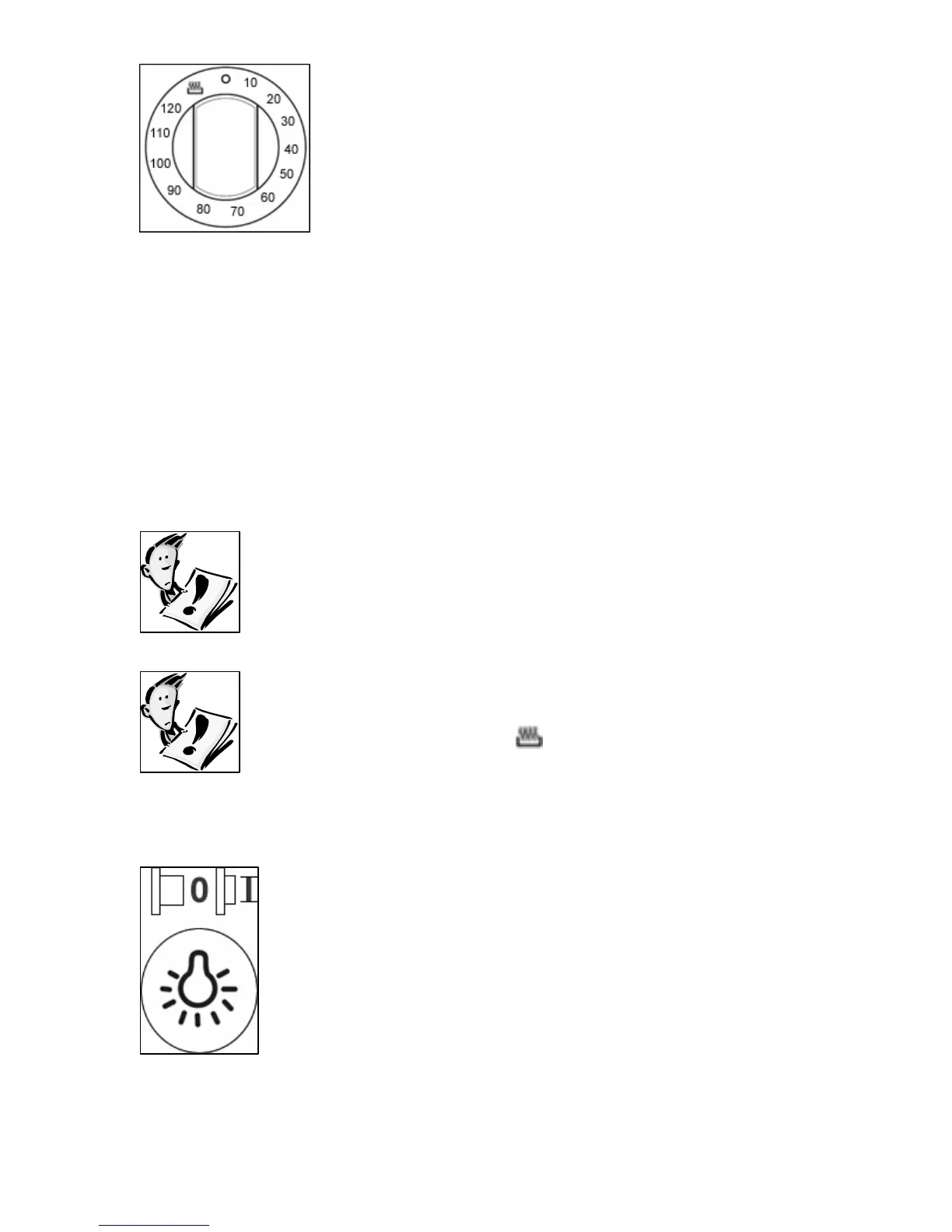
The minute minder can be used independently of
an oven cooking function for a time period of up to
120 minutes.
To set the timer, turn the minute minder control knob clockwise
e
o DO NOT turn the minute minder control knob past the 120
minute marking.
o DO NOT turn the minute minder control knob anti clockwise past
the cooking pot symbol and onto the numbers.
o will expire when the control
knob reaches zero, a brief audible signal will sound.
T: If you have either of the ovens in use
whilst the timer is counting down. When the
levant control
knobs.
Before you next use the main oven, you MUST turn
M
o
to the requir d countdown time.
The time period that has been set
IMPORTAN
countdown ends, they will continue to heat. You
must turn off the oven(s) using the re
the minute minder control knob anti-clockwise, to
the cooking pot symbol ( ). Otherwise the m
oven will not work.
ain
econdary oven light ON/OFF button
.
o Press the button in and the light in the secondary
oven will switch on.
o Press the button again so that it pops out and the
light will go off.
o Make su dary oven has been
switched off when you have finished cooking.
S
This button should be used to switch the light in the
secondary oven on and off
re that the light in the secon



 To Next Page