Baumer Operating functions | 6
V1 | PA408 Operating Manual 21
6.4 Set limit values
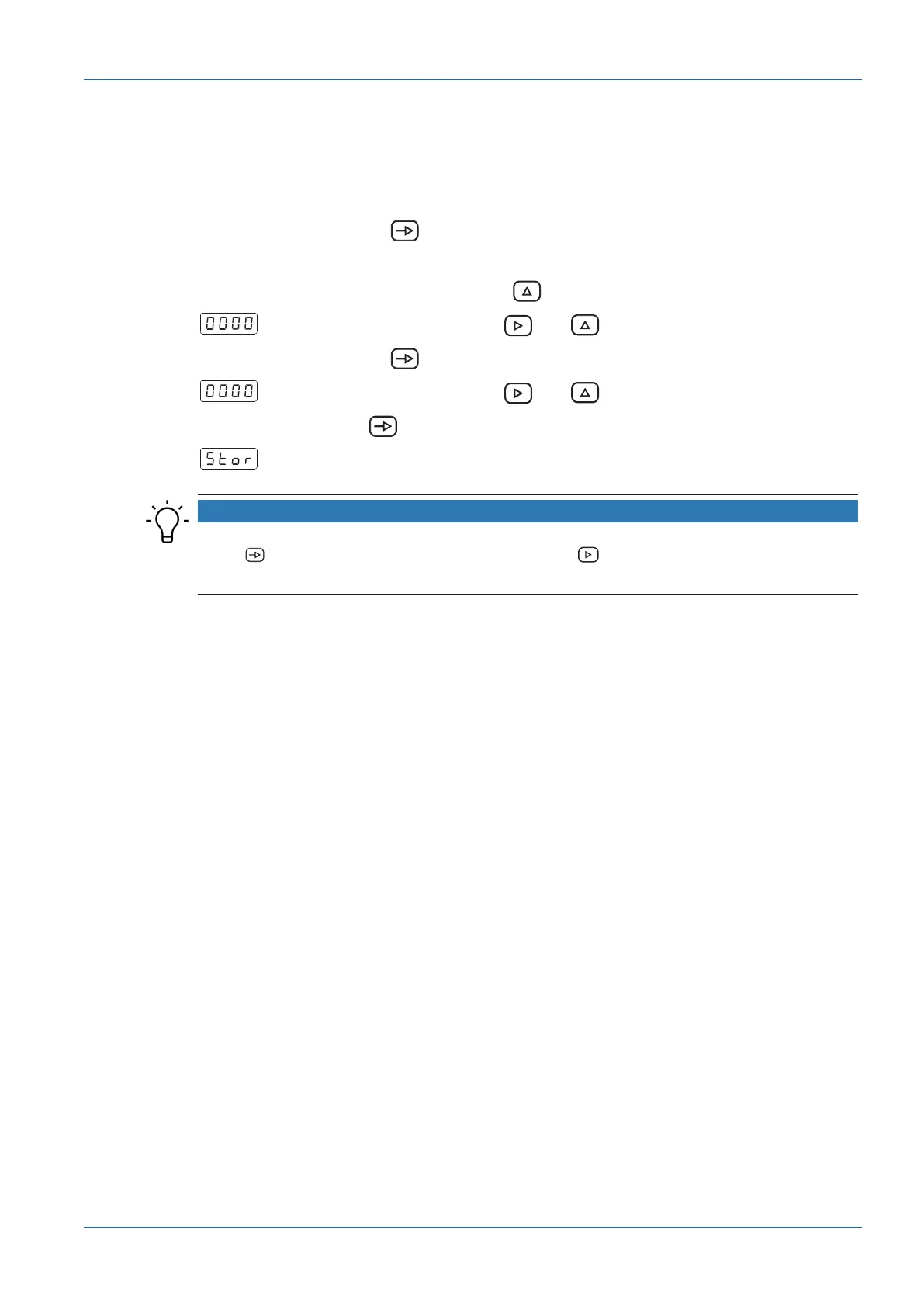
Programming is independent of the configuration module programming and can be executed
any time.
You are in mode RUN.
1.
Press button .
Pro] appears on the display to get you started with programming.
2.
Select the first limit with button .
3.
Change the limit using button and .
4.
Press button to go to the next limit.
5.
Change the limit using button and .
6.
Press the button to save the values and exit programming mode.
The value is saved and you are back in RUN mode.
NOTICE
It is possible to lock/unlock the keypad to prevent the setpoint from being changed. Press the
button , the message [CodE] is displayed. Press the button for 5 seconds to call up the
lock/unlock menu.


 To Next Page