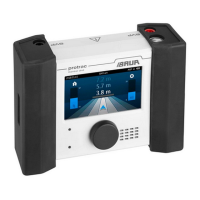
Updating the device software protrac®
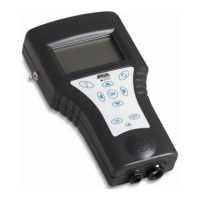
2.2.4 Updating the AGP device software
Note: Administrator rights are not required to perform the update.
If you have not yet unzipped the file: Unzip the ZIP file to the USB
drive.
The files that you will need during the update process are in the
root directory of the USB drive:
BAUR_AGP_UpdateTool_vxxx.exe
BAUR_AGP_Vxxx.ldr
Start the AGP update software: To do this, double-click on the
BAUR_AGP_UpdateTool_vxxx.exe file.
The AGP update software starts.
In the Port selection list, select the COM port number that has
been determined.
If the COM port number is not displayed in the selection list, click
on the R button.
The list is refreshed and the COM port number of your AGP is
displayed.
Click the Open Port button.
The text on the button changes to Close Port.
Note: If the text does not change, the Bluetooth® connection may
have been interrupted. Reconnect the laptop/PC to the AGP.
Further information: Chapter Connecting the laptop/PC to the
AGP (on page 6)


 To Next Page