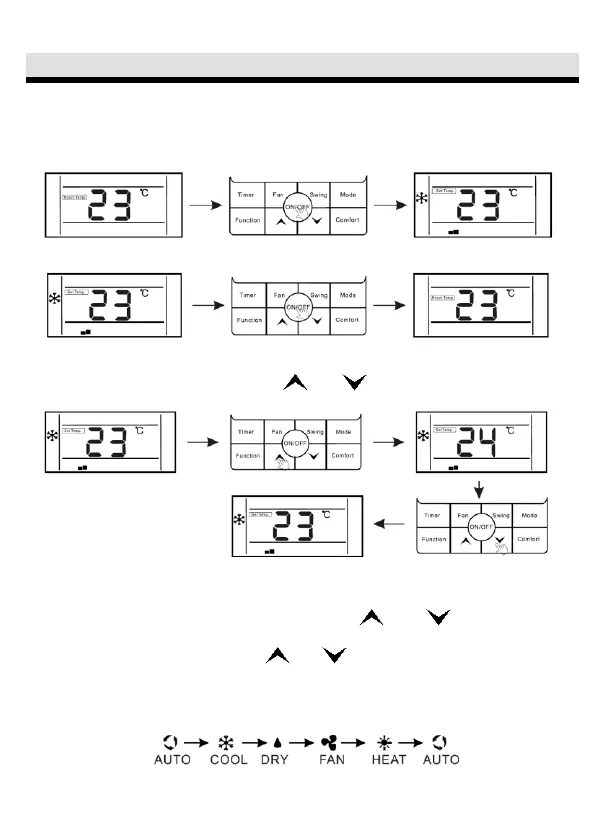
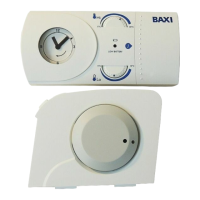
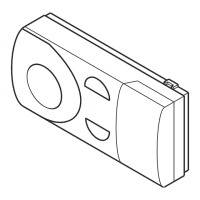
ON/OFF button
Press- "ON /OFF" button to start or shutdown the unit.
1. When the unit is running, users can regulate the operation mode, fan speed,
setting temperature, special functions and other parameters on the wired controller.
2. When the unit is standby, the wire controller displays indoor ambient
temperature (Room temp.), the other content are not displayed.
button-Temperature, time setting, function selection
1. When the unit is running, press " " or " "button to increase or decrease
the setting temperature by 1ºC.
Under COOL, DRY, and HEAT modes, the setting temperature range is
16ºC-32 ºC;
The controller will display" Set temp." to show the selling temperature;
2. Under the function selection mode, press “ ”' or " " button to select
function;
3. Under the timing mode, press " " or " " button to setting time.
Mode setting
When the unit is running, press "MODE" button, the running mode will switch
according to the following order:
The initial setting temperature for each mode is 24ºC, and there is no temperature
setting and automatic wind under FAN mode.



 To Next Page