Chapter 2: Routine Maintenance
Advisor
®
Service Manual 2-3
ECG Calibration Verication
Verify the calibration of the ECG parameter annually, or if doubt exists about the accuracy of measured values.
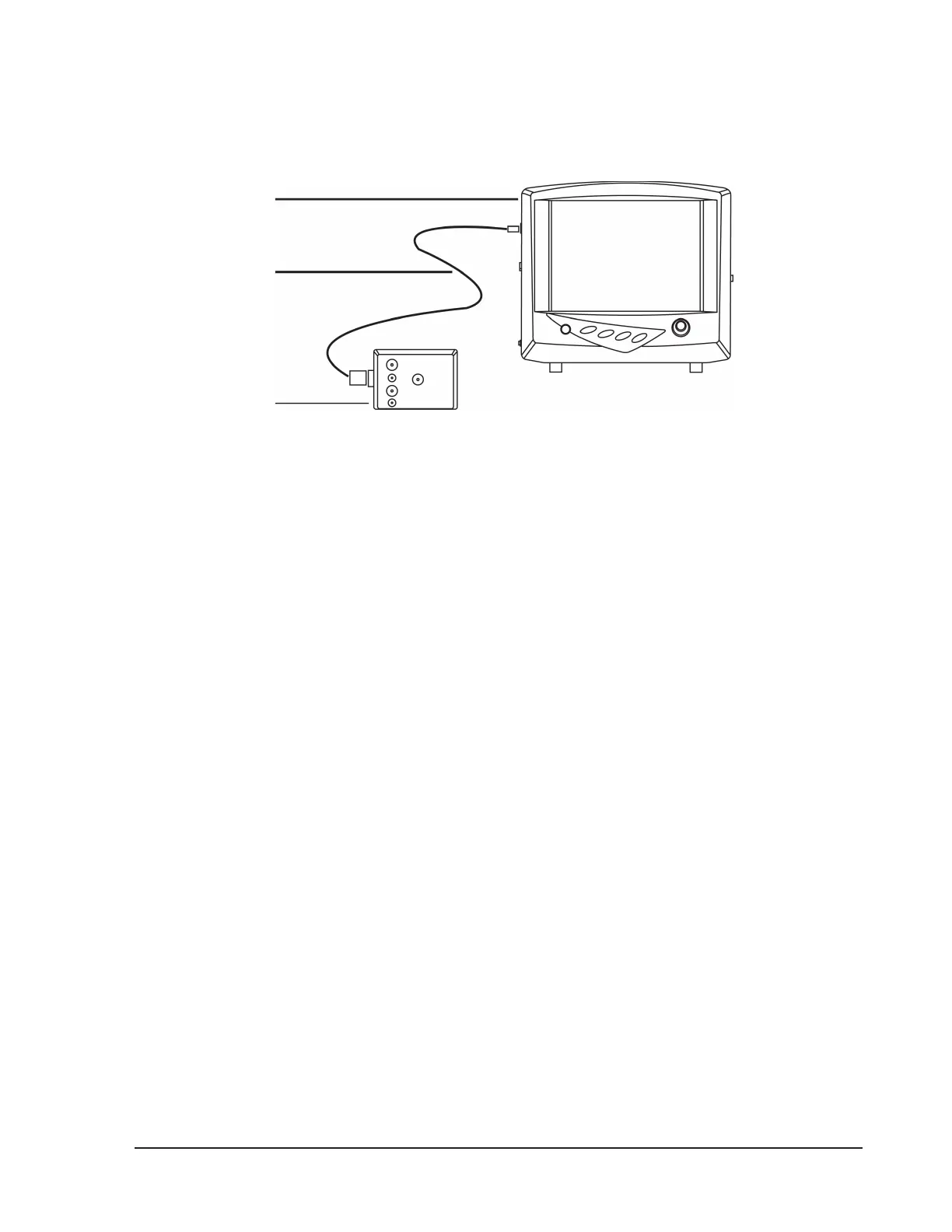
Figure 2.1: Verify ECG Calibration
You will need:
Advisor•
®
Vital Signs Monitor
BCI•
®
1606 SpO2 /ECG Patient Simulator
BCI•
®
3311 Oximetry Cable
To verify that the ECG parameter is calibrated:
Disconnect all cables and sensors from the monitor.1.
Press the On/O key (2.
x
) on the front of the monitor to turn it on.
Set RATE SOURCE to ECG.3.
Turn the rotary knob on the monitor to move the cursor. Highlight the ECG parameter box name and a.
push the knob to access the ECG parameter menu.
Highlight RATE SRC and push the knob to select.b.
Choose ECG and push the knob to select.c.
Highlight MAIN MENU and push the knob to select.d.
Select 3-LEAD ECG processing:4.
On the main menu at the bottom of the display, highlight SETUP and push the knob to select.a.
Highlight PARAMETER OPTIONS and push the knob to access the parameter options submenu.b.
Highlight ECG LEADS PROCESSING and push the knob to select.c.
Highlight 3-lead and push the knob to select.d.
Highlight MAIN or PREVIOUS and push the knob to select.e.
Connect the BCI5.
®
3111 Oximetry Cable to the BCI
®
1606 SpO
2
/ECG Patient Simulator.


 To Next Page