3-5
MX67QMD
Main
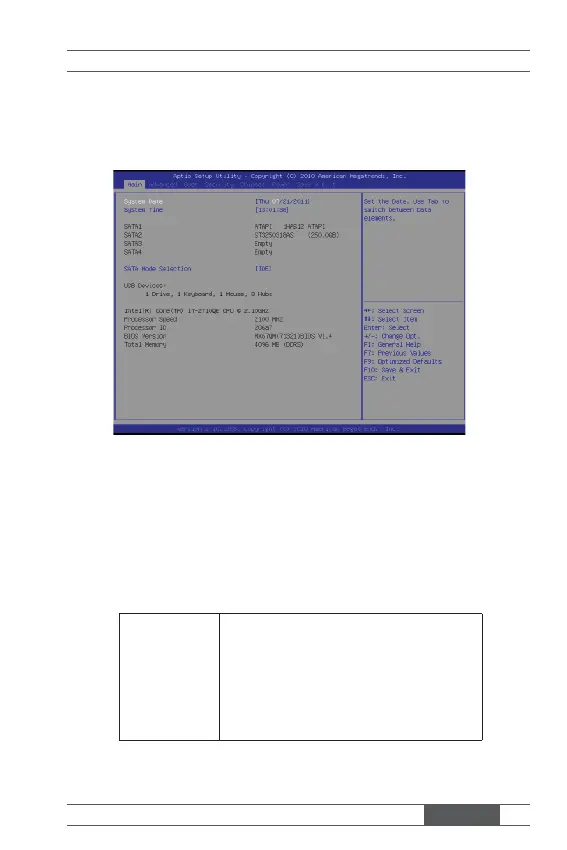
▶ System Date
This setting allows you to set the system date. The date format is <Day>,
<Month> <Date> <Year>.
▶ System Time
This setting allows you to set the system time. The time format is <Hour>
<Minute> <Second>.
▶ SATA1/ 2/ 3/ 4
[Type] Press PgUp/<+> or PgDn/<-> to select
[Manual], [None] or [Auto] type. Note that the
specifi cations of your drive must match with
the drive table. The hard disk will not work
properly if you enter improper information for
this category. If your hard disk drive type is
not matched or listed, you can use [Manual] to
defi ne your own drive type manually.



 To Next Page