■ BIOS Setup
3-26
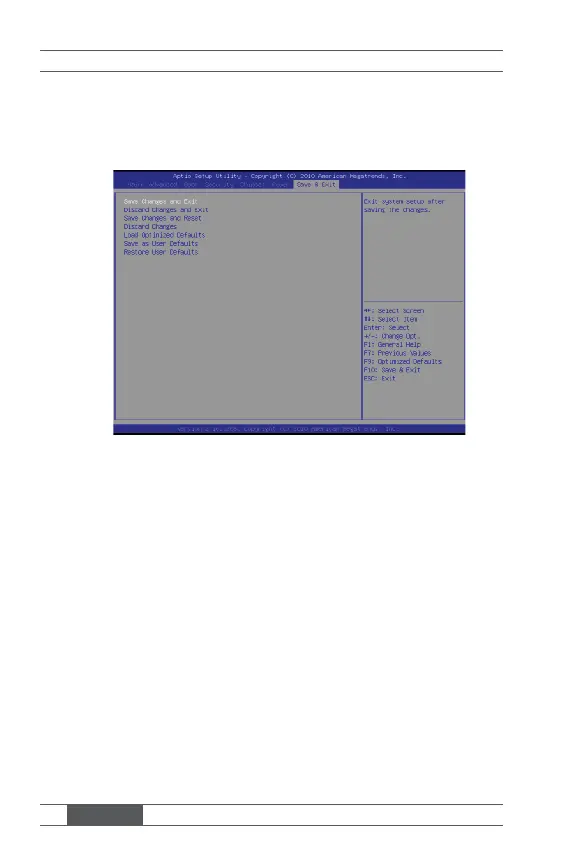
Save & Exit
▶ Save Changes and Exit
Save changes to CMOS and exit the Setup Utility.
▶ Discard Changes and Exit
Abandon all changes and exit the Setup Utility.
▶ Save Changes and Reset
Save changes to CMOS and reset the system.
▶ Discard Changes
Abandon all changes and continue with the Setup Utility.
▶ Load Optimized Defaults
Load the optimized defaults.
▶ Save as User Defaults
Save all changes as user defaults.
▶ Restore User Defaults
Restore the preset user defaults.



 To Previous Page