3-15
MX67QMD
Boot
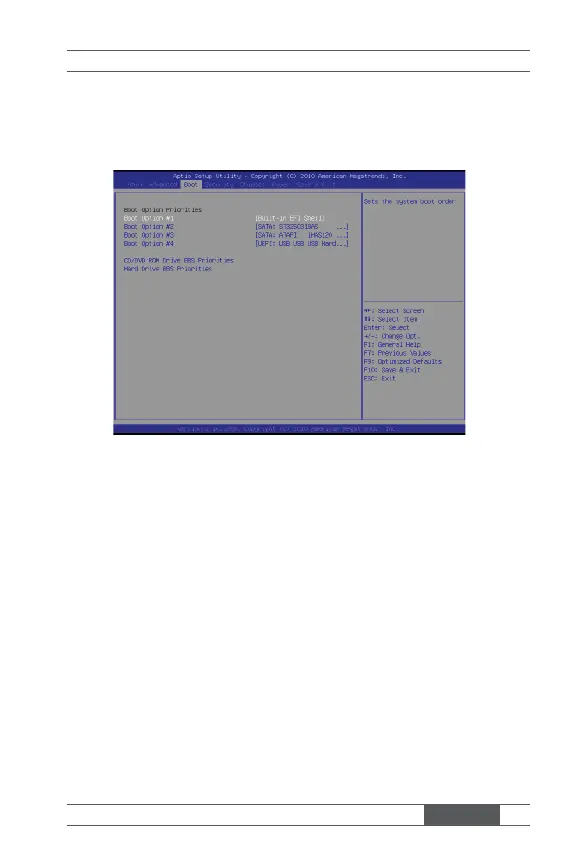
▶ Boot Option #1 / #2 / #3 / #4
This setting allows users to set the sequence of boot devices where BIOS
attempts to load the disk operating system.
▶ CD/DVD ROM Drive BBS Priorities, Hard Drive BBS Priorities
This setting allows users to set the priority of the specifi ed devices. First
press <Enter> to enter the sub-menu. Then you may use the arrow keys ( ↑
↓ ) to select the desired device, then press <+>, <-> or <PageUp>, <Page-
Down> key to move it up/down in the priority list.



 To Next Page