iMX113 BD Pyxis ™ ES Refrigerator Tower Operation Manual
360395/E 10
Note
No password is required to view the Home screen.
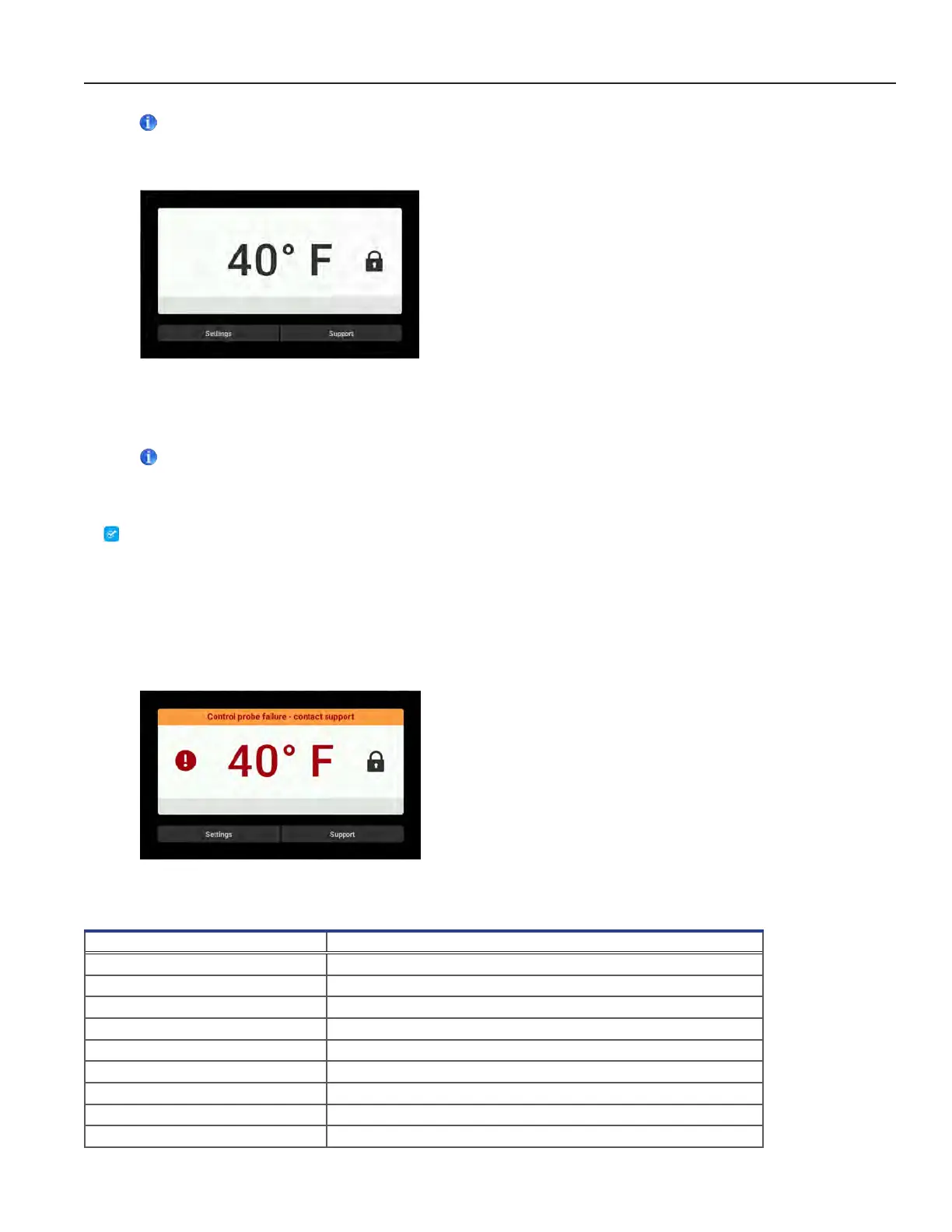
Home screen
3.2 Temperature Setpoint
Notes
• The default settings password is 1234.
• The default setpoint is 40°F.
Change Temperature Setpoint
1. From the Home screen, select the Settings button. The password numeric keypad is displayed.
2. Enter the password. (If accessing for the rst time, use the factory default password.) The Settings screen is displayed.
3. Touch + or - on the Temperature Setpoint spin box to change the value.
3.3 Active Alarms
When an alarm condition occurs, an alarm message appears across the top of the screen.
Home screen with active alarm
Table 1. Alarm Conditions
Alarm Description
Communication Failure 1 Communication lost between i.C
3
display board and control board
Communication Failure 2 Conguration le is corrupt or i.C
3
is unable to access the conguration le
Communication Failure 3 Corrupt database
Compressor Probe Failure Probe not functioning properly
Compressor High Temperature Compressor temperature reading is above high temperature alarm setpoint
Control Probe Failure Probe not functioning properly
Drive Space Low SD card is approaching capacity
Drive Space Full SD card is full
Door Open Door is open beyond user-specied duration



 To Next Page