S2510-B Hardware Installation Manual
- 15 -
4) Put the chassis aside after you open it. The main board of the system appears.
Note:
After taking off the chassis, put it horizontally and avoid it to be crushed or collided.
Otherwise, the chassis is hard to install.
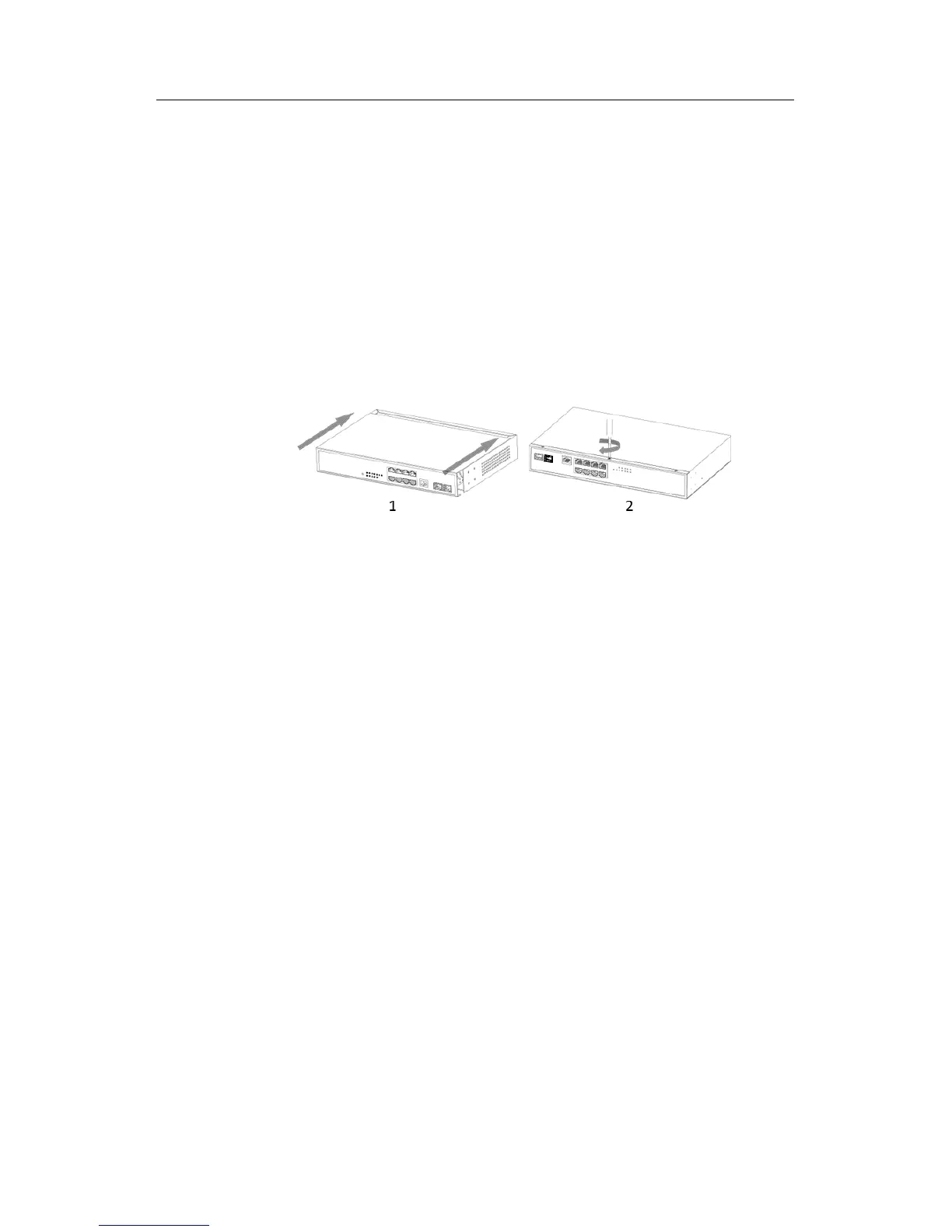
The section mainly describes how to put the chassis and close the chassis. Do as
follows:
(1) Following the directions shown on the above-mentioned figure, install the chassis
and bottom of the frame box.
(2) Nail the bolt and screw it tightly with the screwdriver.
(3) Reinstall S2510-B on the DIN rail or on the desk.
(4) Reconnect all cables of the switch.



 To Next Page