S2928F Hardware Installation Manual
- 12 -
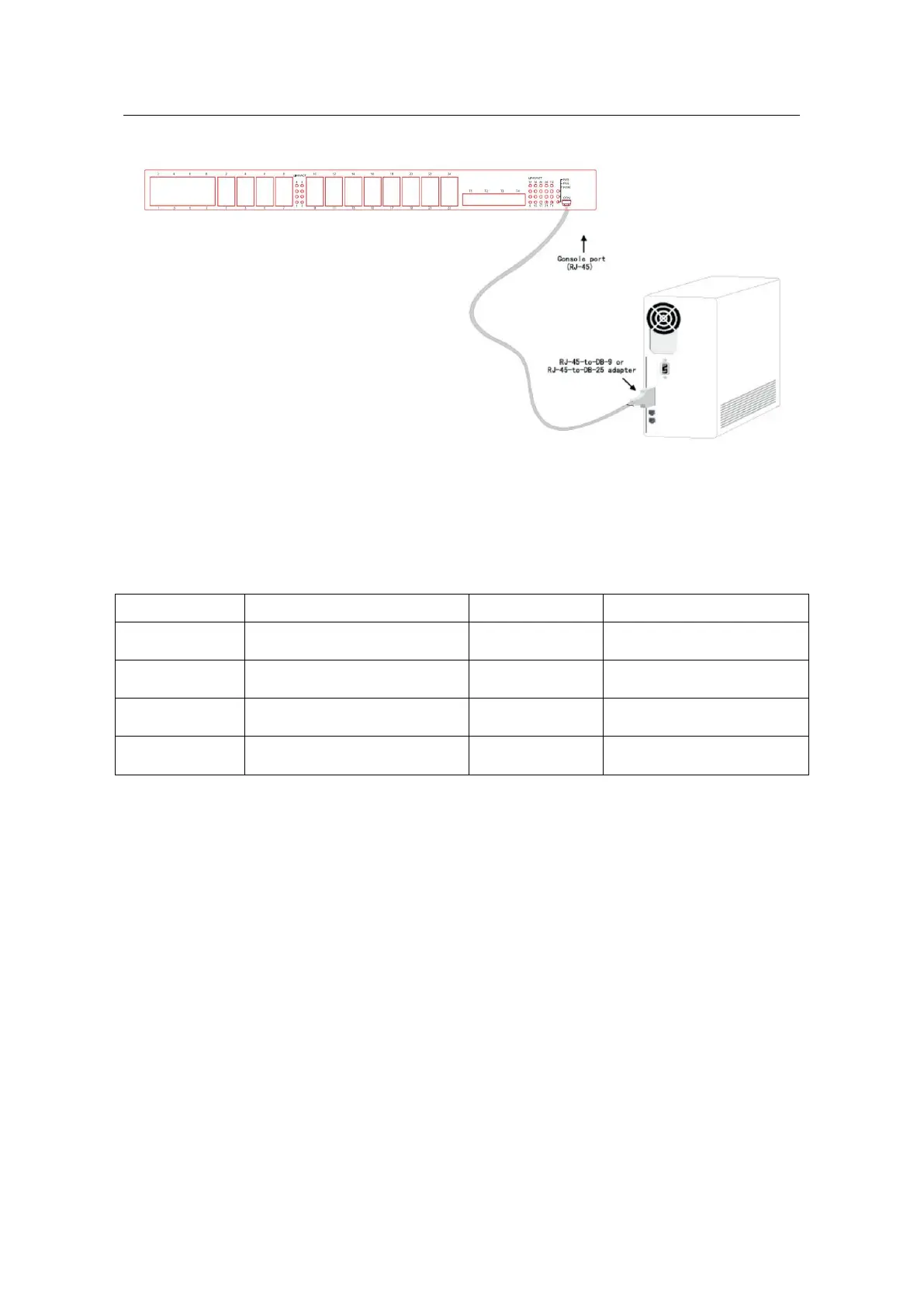
Figure 3-5 Connecting the console port of S2928F and computer
Caution: The figure shown above does not represent the material S2928F.
Table 3- 1 Pins of the console port
Note:
The console port of the S2928F switch does not support traffic control. Therefore, you
must set the option data traffic control to none when you configure the switch with the
super terminal. Otherwise, the single-pass problem will arise on the super terminal.
The cable is used to connect the console port of the S2928F switch and the outside
console terminal device. One end is mini USB plug and the other end is 9-hole plug
(DB9). The mini USB plug connects to DB9 in the console port shown as below. The
console cable is numbered as RLC8501.



 To Next Page