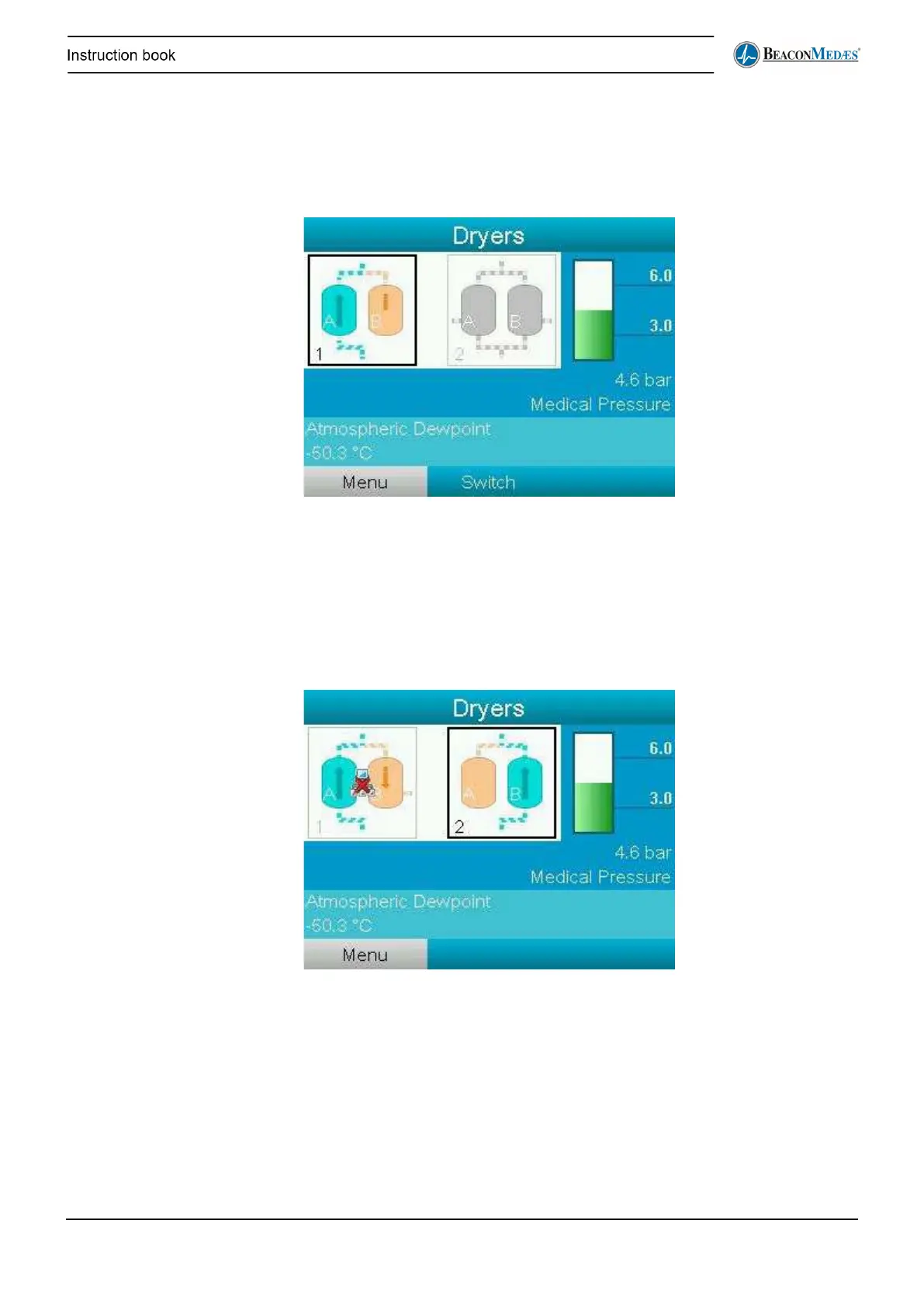
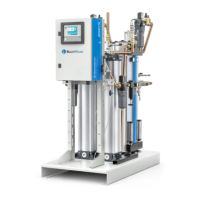
Dryers detail screen
In the dryers detail screen the status of the 2 dryers is visible. You can see which dryer is active
and if there is a fault on the dryer(s).
In the image below dryer 1 is active and dryer 2 is stand-by while both are without any faults.
The user can also choose to manually switch to the other dryer. This can be done by selecting
Switch on the bottom bar and then selecting Yes.
Some of the faults that can occur on a dryer are the following:
There is no CAN connection between the main controller and one of the dryers. In this case the
controller will switch automatically to the other dryer.


 To Next Page