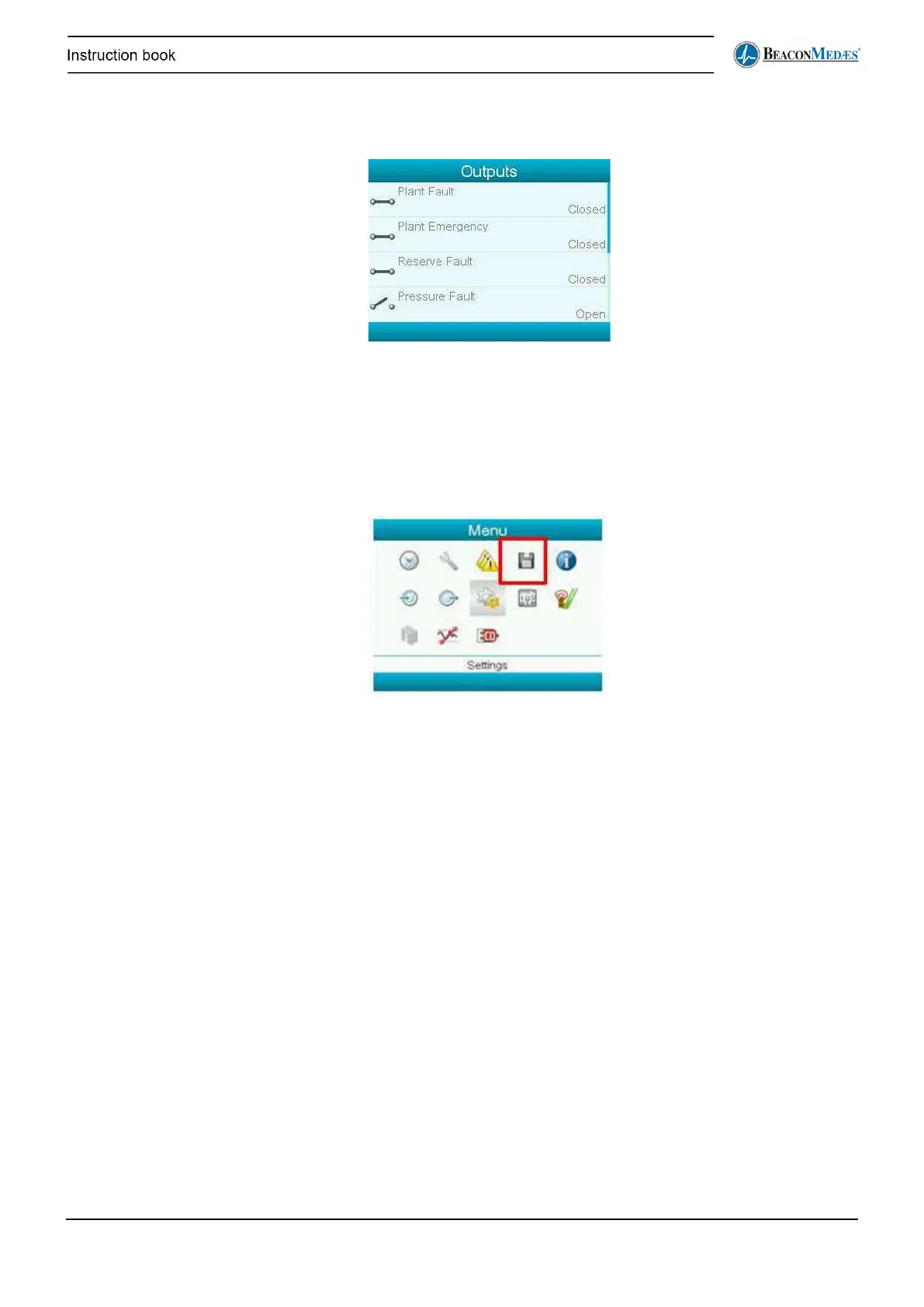
The outputs are the alarms that are potential-free transmitted to the hospital control room.
“Closed” corresponds to “active”. In the Outputs submenu the outputs can be viewed in real time:
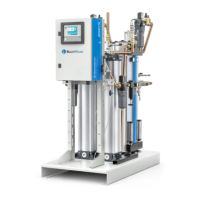
Event history
When an alarm is triggered, the full situation (inputs, outputs, time stamp) is logged into the event
history.
To take a look, select the following icon in the Menu:
The event history keeps track of the last 30 events. Service menu
Description
In the Service submenu following screens can be found:
3.1.7. Service Plan
Overview
In the Overview submenu can be seen how many running hours are left before the next service
should be performed for each type of service plan.


 To Next Page