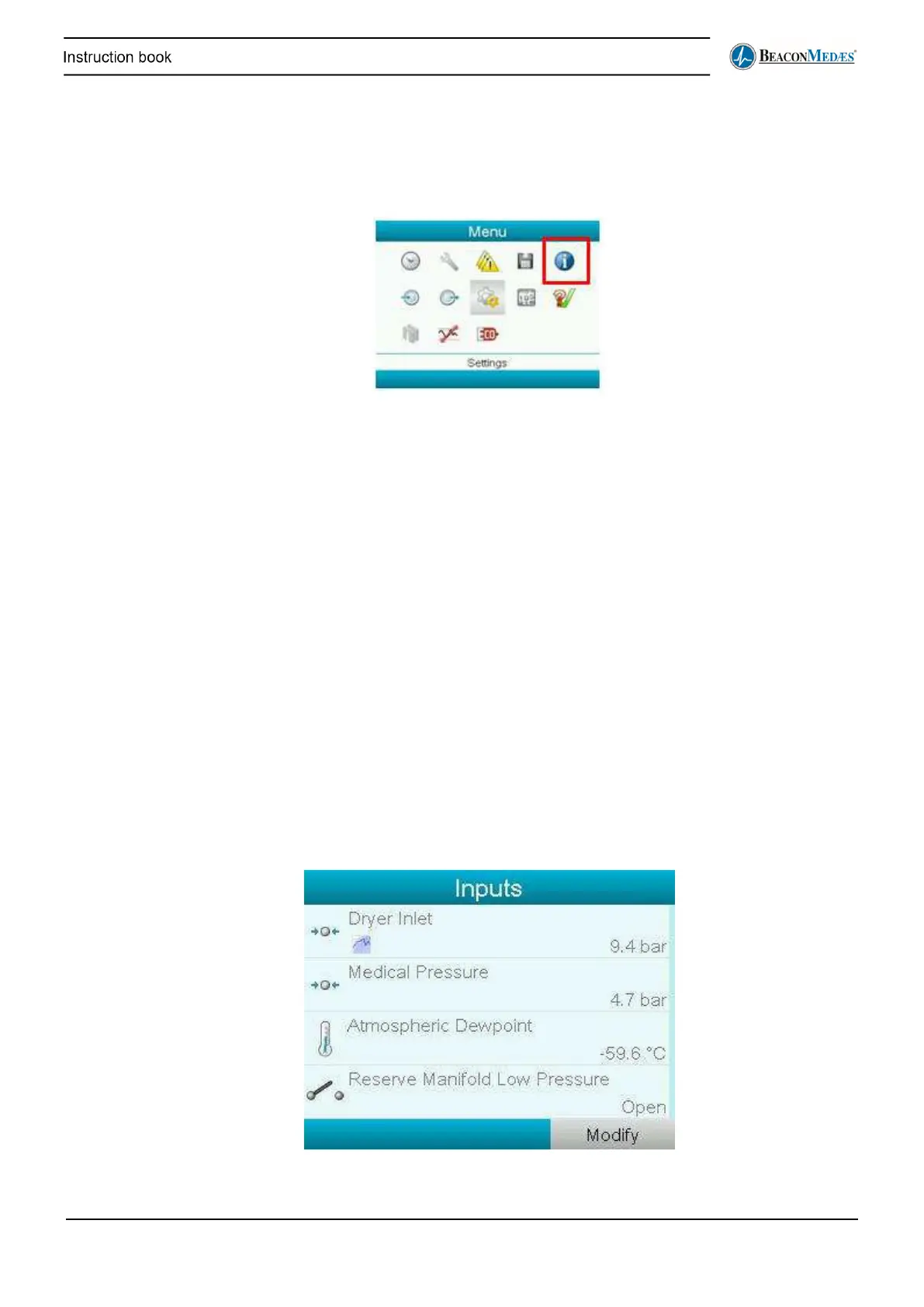
Viewing information about the Purifier’s controller
Through the following submenu (and pressing <More>), information regarding MAC address,
software, IP settings, etc. can be viewed.
Viewing the amount of module hours
Through the Counters submenu, the amount of hours that the central controller was powered
(Module hours) and other counters can be viewed.
Regulation
The regulation shortcut in the main screen leads to the same submenu as the regulation shortcut
in the Settings menu (see above).
In normal circumstances these settings should not be changed. Please contact your local
customer centre.
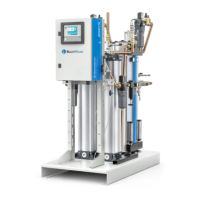
Viewing the input & output status
The direct inputs of the purifier’s controller are visible in the Inputs submenu and are the
following:
• Dryer inlet pressure
• Medical/Line pressure
• Atmospheric dew point at the outlet (Pressure dew point for NFPA models)
• Reserve manifold low pressure


 To Next Page