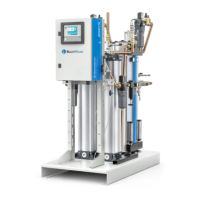
Resetting the service timer
The <d.1> screen shows the amount of running hours since the previous service. This timer
needs to be reset after service has been performed.
Scroll to register screen <d.1> and press Enter button.
• The reading (e.g. 4000) will appear.
• Press Enter button, the icon will flash indicating that resetting is possible
• Press Enter button again to reset the timer to <0.000> or press the Escape button to
cancel the operation.


 To Next Page