26
5.2 Input channel assignments (receiver menu points B - H)
If not a standard receiver but a single-line receiver was selected at menu point A, it must be established
which control function is controlled by what channel. This is necessary because all the control functions
are transmitted via one single line and thus there is no possibility of plugging the cables in each
individual channel matching at the receiver.
5.2.1 Preset channel assignment
When selecting a specic type of single line receiver the appropriate type of receiver channel allocation
will be preset in the MICROBEAST. Please refer to the tables below and check if your radio transmits the
channels in the correct order. If this is not the case, you have to assign the channel order step by step
through the menu points B - H (for this see section 5.2.2). To know the channel assignment of your
transmitter you can check the user manual of the transmitter or look at the servo monitor of the
transmitter (if it has this feature). If in doubt ask the manufacturer of your transmitter.
When using SRXL the preset channel assignment is based on the receiver‘s protocol version (see next
page).
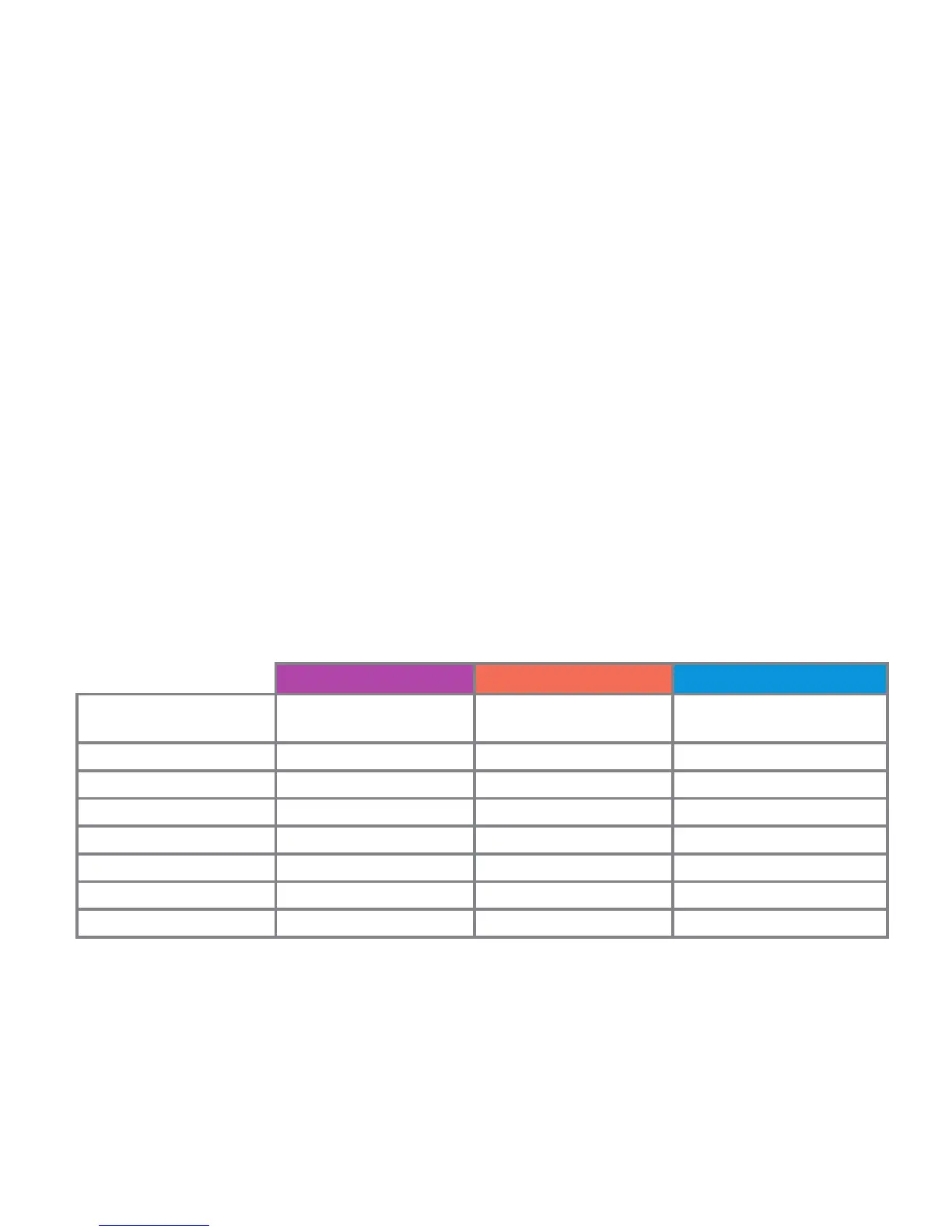
Spektrum® Futaba® S-BUS PPM - composite signal
transmitter channel
assignment
function function function
channel 1 throttle (CH5) aileron pitch
channel 2 aileron elevator aileron
channel 3 elevator throttle (CH5) elevator
channel 4 rudder rudder rudder
channel 5 tail gyro gain tail gyro gain auxiliary (CH6)
channel 6 pitch pitch throttle (CH5)
channel 7 auxiliary (CH6) auxiliary (CH6) tail gyro gain


 To Next Page