AR6201 - RT6201 - RCU6201 - AR6203
DV 14307.03 Issue 1 09/2013 Page 2-25
Display Contents Description
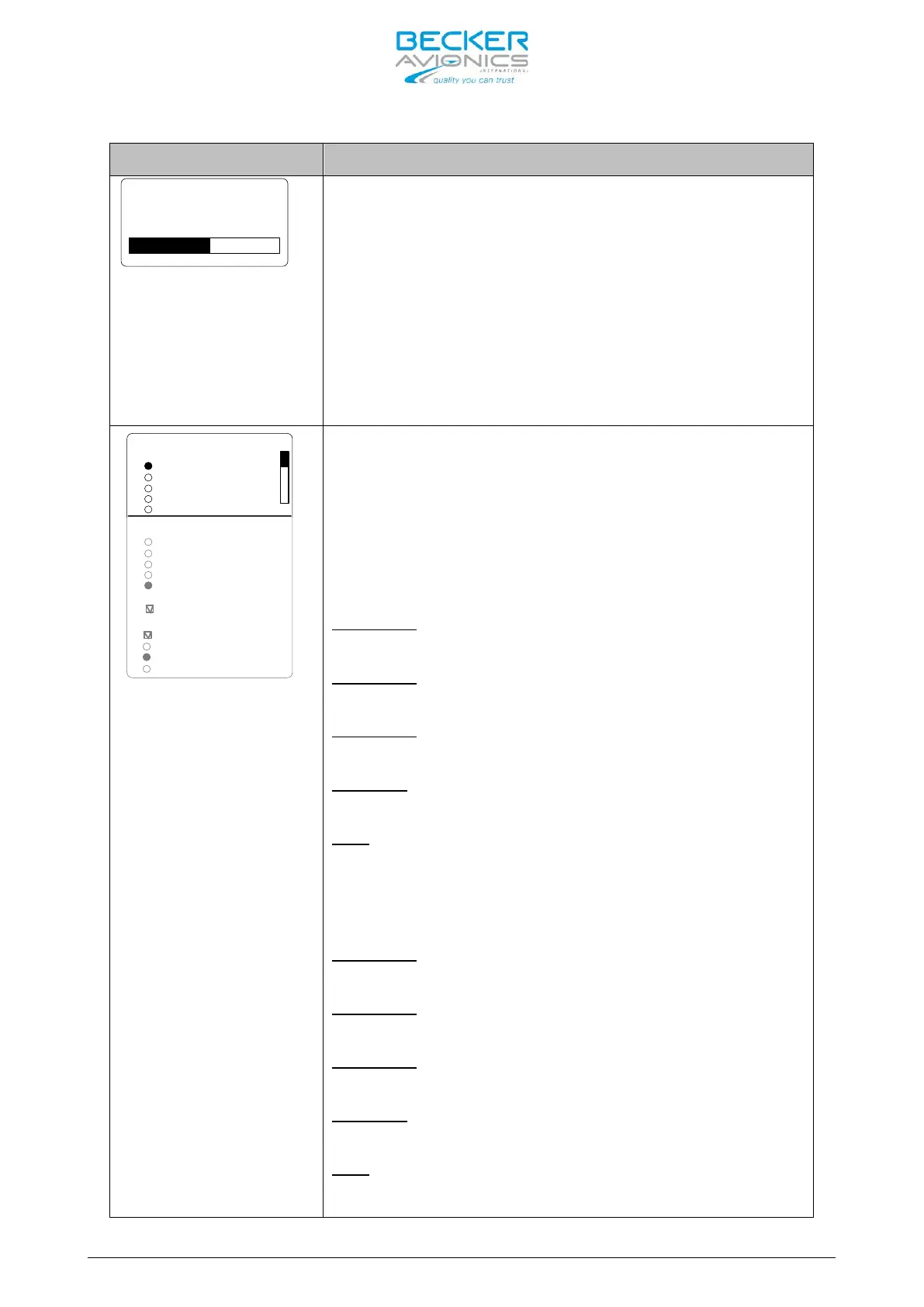
On “AUTO AUX ATT” page the attenuation for the
auxiliary audio input can be adjusted between 0 to
40 dB by turning the “ROTARY ENCODER”
When intercommunication is initiated (regardless
of the int
ercom activation: “VOX”, or “/IC”
discrete input) the signal from auxiliary audio
input will be attenuated. After intercommunication
is finished the auxiliary audio will revert to its
previous level.
Note: Menu available on primary controller
IN/OUT CFG 1
STD 1 MIKE
STD 2 MIKE
STD 3 MIKE
DYN MIKE
HDPH 1
HDPH 2
SPEAKER
BOTH MIKES
MICROPHONE 1
MICROPHONE 2
NONE
STD 1 MIKE
STD
2 MIKE
STD 3 MIKE
DYN MIKE
NONE
OUTPUTS
NONE
MIC ACTIVATION
On “IN/OUT CFG 1” page the microphone inputs and
headphone outputs for configuration CFG1 can be
configured. To scroll the page turn the “ROTARY
ENCODER”.
“MICROPHONE 1” (at one time only one option can be
selected):
- standard microphone input 1
(Pins P1-18/ P1-8) is selected
- standard microphone input 2
(Pins P1-9/ P1-8) is selected
- standard microphone input 3
(Pins P1-19/ P1-8) is selected
- dynamic microphone input
(Pins P1-6/ P1-5) is selected
- No microphones is used in microphone path 1
“MICROPHONE 2” (at one time only one option can be
selected):
- standard microphone input 1
(Pins P1-18/ P1-8) is selected
- standard microphone input 2
(Pins P1-9/ P1-8) is selected
- standard microphone input 3
(Pins P1-19/ P1-8) is selected
- dynamic microphone input
(Pins P1-6/ P1-5) is selected
- No microphones is used in microphone path 2



 To Next Page