EINSTELLUNG SONNE ENDLAGE, SONNE I-
ZWISCHENPOSITION, SONNE II-ZWISCHENPOSITION
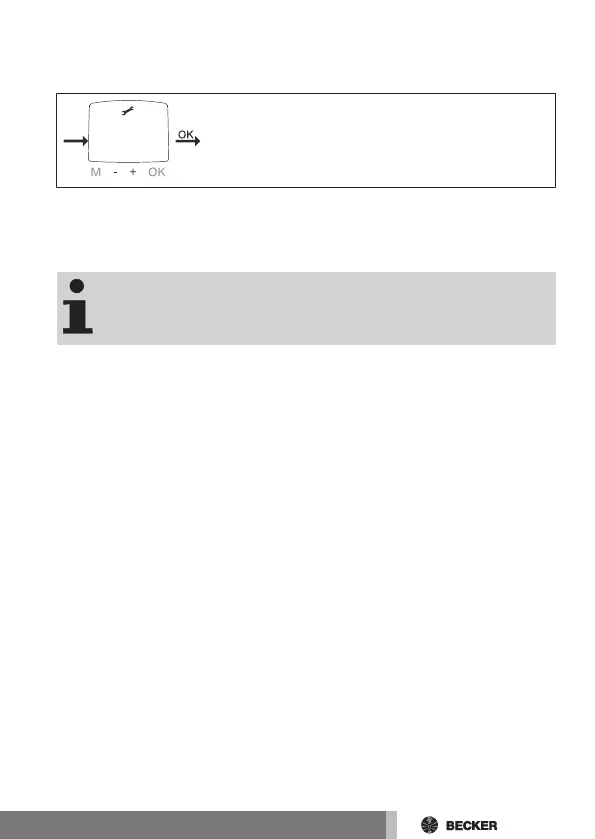
1. Sie haben den Menüpunkt ZEIT ENDLAGE bestätigt. SONNE ENDLAGE
erscheint.
2. Mit der +/- Taste können Sie zwischen SONNE ENDLAGE, SONNE I-
ZWISCHENPOSITION, SONNE II-ZWISCHENPOSITION, auswählen.
Mit dieser Auswahl legen Sie fest, in welche Position der Be-
hang nach Erreichen des Lichtwertes fährt.
3. Bestätigen Sie Ihre Auswahl mit OK.
4. Die Funktion ist jetzt eingestellt.
5. Zur weiteren Programmierung im Menü EINSTELLUNG lesen Sie bitte
weiter.
23-de



 To Next Page