Setting the intermediate positions
Setting the I-intermediate position
1. Move the sun protection from its current limit position to the required I-
intermediate position.
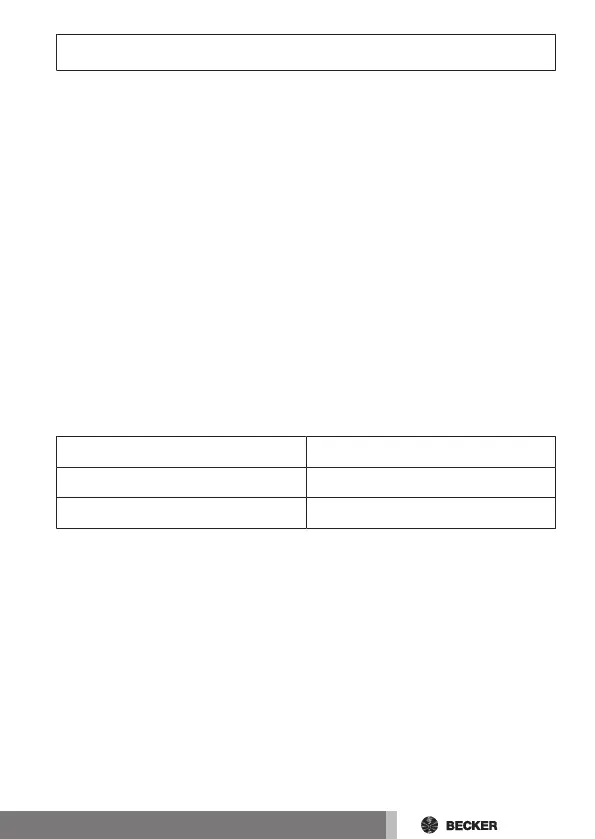
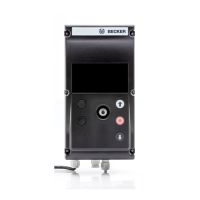
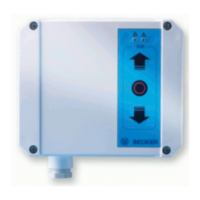
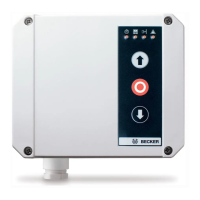
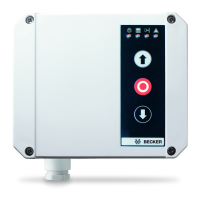
2. Simultaneously press and hold the STOP button and the extend button.
3. You selection is confirmed when the alarm pilot light briefly lights up.
4. The intermediate position I is now saved.
Move to the intermediate position I
1. Press the extend button twice within one second.
2. The sun protection moves to the intermediate position I.
Deleting the intermediate position I
1. Move the sun protection to the intermediate position I.
2. Simultaneously press and hold the STOP button and the extend button.
3. The sun protection shifts to confirm.
4. The intermediate position I is now deleted.
Setting the II-intermediate position
Application Function
Awning operation Fabric tension
Venetian blind operation Turning
1. Move the sun protection from its extended limit position to the required
II-intermediate position.
2. Simultaneously press and hold the STOP button and the retract button.
3. You selection is confirmed when the alarm pilot light briefly lights up.
4. The intermediate position II is now saved.
Move to the intermediate position II
1. Press the retract button twice within one second.
2. The sun protection moves to the intermediate position II.
57-en



 To Next Page