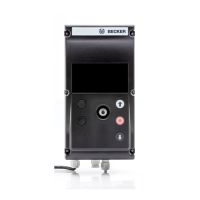
MENU button
By pressing the MENU button, you access the menu overview or Operating
mode.
The displayed value is not saved.
RESET button
By pressing the RESET button (with a ballpoint pen or similar), the control unit
is reset to its factory settings.
Exception: Function and Language Selection menu items
Time/Date menu
TIME/DATE
In this menu, you can set the time and date.
Program menu
PROGRAM
In the FUNCTION menu, you can choose between shade time and AUTO
shade time.
You can set these in the PROGRAM menu.
41-en



 To Next Page