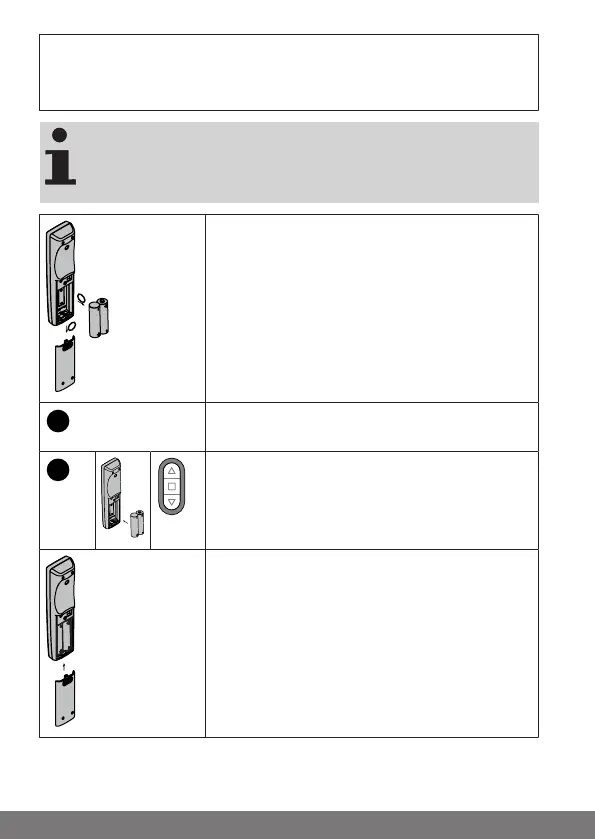
Restoring the factory settings of the
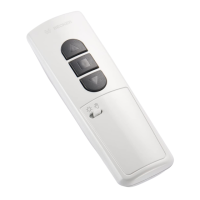
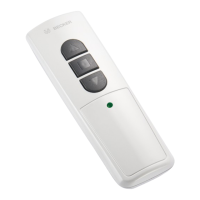
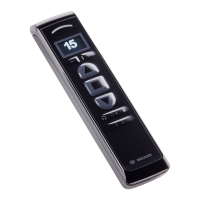
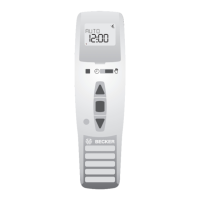
hand-held transmitter
When the factory settings of the transmitter are restored,
the settings in the receiver, such as run times, thresholds,
intermediate positions, etc. as applicable, are not taken into
account.
Open the cover of the battery compartment and
take out the batteries.
After approx. 3s, press and hold down the pro-
gramming button.
Re-insert the batteries while keeping the pro-
gramming button pressed down.
▻ The transmitter confirms with 4 yellow
flashes of the LED ring.
You can now release the programming button and
close the cover of the battery compartment.
► The factory settings of the transmitter have
been restored.
24-en



 To Next Page