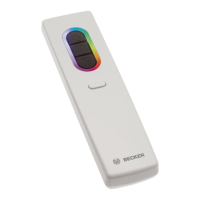
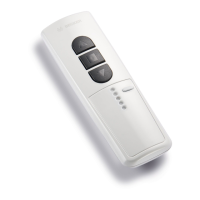
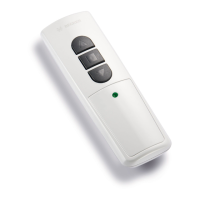
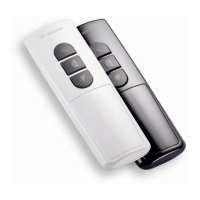
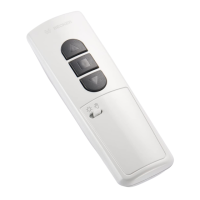
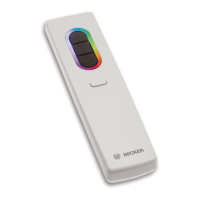
16-channel hand-held transmitter
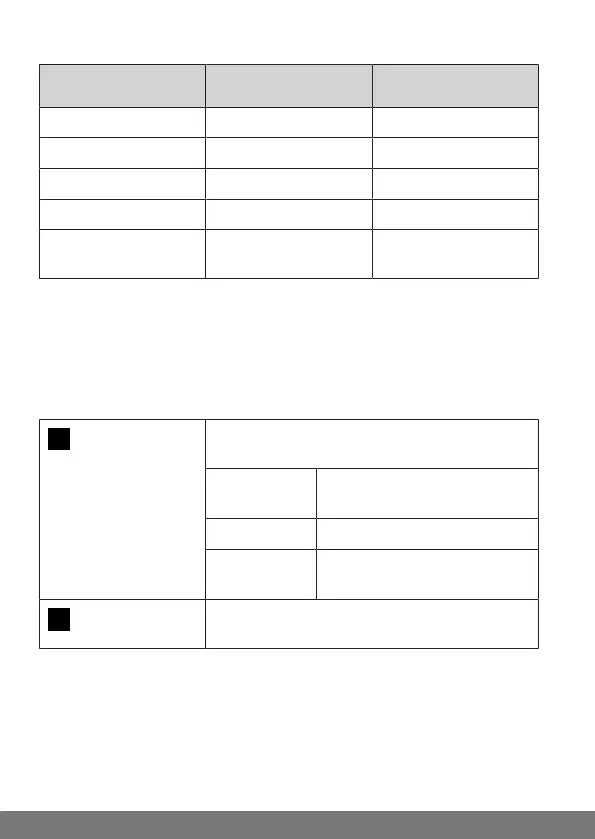
Channel Group Colour
LED ring
Channel 1 - 4 Group 1 green
Channel 5 - 8 Group 2 red
Channel 9 - 12 Group 3 yellow
Channel 13 - 16 Group 4 light blue
Channel 1 - 16 Group all
(central command)
White
manual/ automatic
You can display and select the "Manual" or "Automatic" setting by pressing the
STOP button. Only manual drive commands and emergency signals can be
performed with the "Manual" setting. In addition, automatic drive commands
are also performed in the "Automatic" setting. The automatic functions are not
interrupted if a manual drive command is carried out when in automatic mode.
3s
Press the STOP button for 3seconds to display
the current status.
Automatic
mode:
The LED ring lights up green.
Manual mode: The LED ring lights up red.
Different
modes:
The LED ring lights up yellow.
5s
You can toggle between manual and automatic
mode by pressing the STOP button for 5seconds.
30-en



 To Next Page