Setting the thresholds
Setting the thresholds
Bring the transmitter as close as possible to the
required receiver.
3s
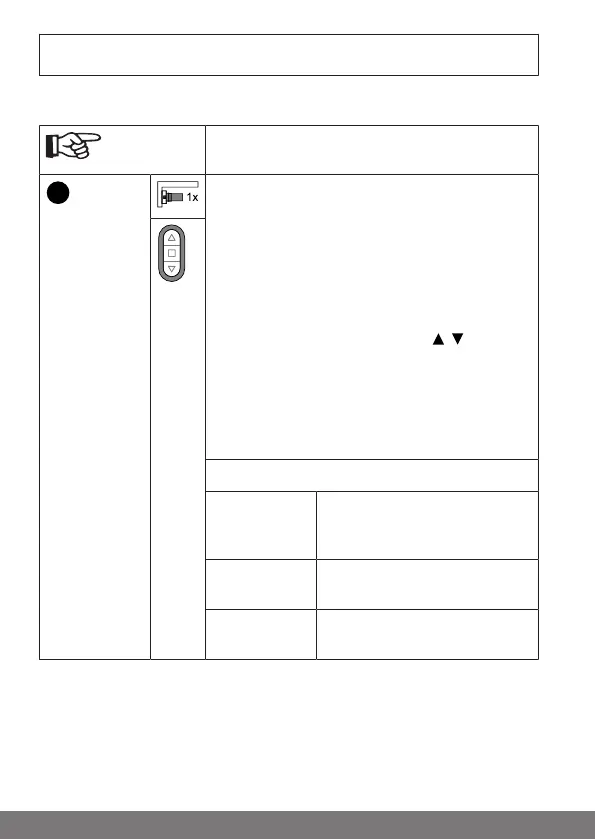
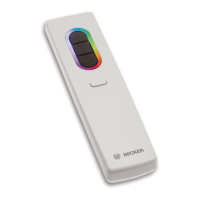
Press the programming button for 3seconds. The
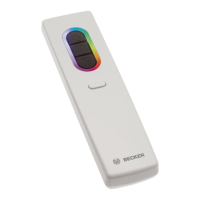
transmitter performs a search and the LED ring
continuously changes colour. The transmitter then
switches to receiver selection and selects the re-
ceiver with the best connection quality.
▻ The receiver confirms.
If you do not receive confirmation from the re-
quired receiver, you can press the / button to
toggle between the available receivers until the re-
quired receiver confirms.
▻ The transmitter displays the current as-
signment status of the receiver via the
LED ring.
Assignment status
Lights up yel-
low:
The receiver is not yet part of the
installation or is in the as-de-
livered condition.
Lights up
blue:
The receiver is not assigned to
the selected channel.
Lights up
green:
The receiver is assigned to the
selected channel.
32-en



 To Next Page