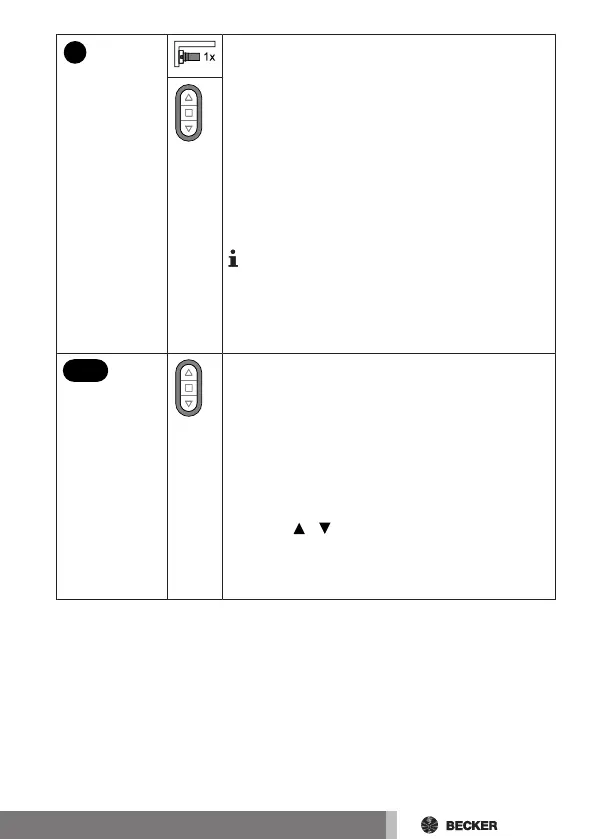
Briefly press the programming button to change
to the setting mode.
▻ The receiver confirms.
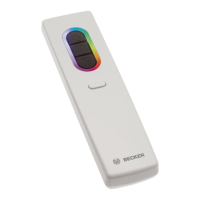
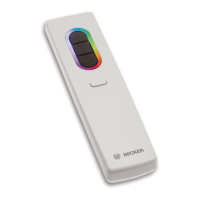
▻ The LED ring of the transmitter slowly
pulses light blue.
▻ The receiver now enters dead-man
mode.
► The setting mode is now active.
If a receiver has not yet been added to the
installation (LED ring lights up yellow), it will
not be possible to select it in this way. The re-
ceiver must be added to the installation be-
forehand.
3s
Press and hold the function button for at least 3
seconds.
▻ The hand-held transmitter switches to
threshold mode.
▻ The LED ring of the transmitter shows
the currently set sun threshold by light-
ing up yellow and orange.
Press the / button to adjust the threshold to
one of 15 stages (approx. 2 KLux to 100 KLux).
Press the STOP button to restore the default
threshold (approx. 25 KLux).
33-en



 To Next Page