141
Navigation mode
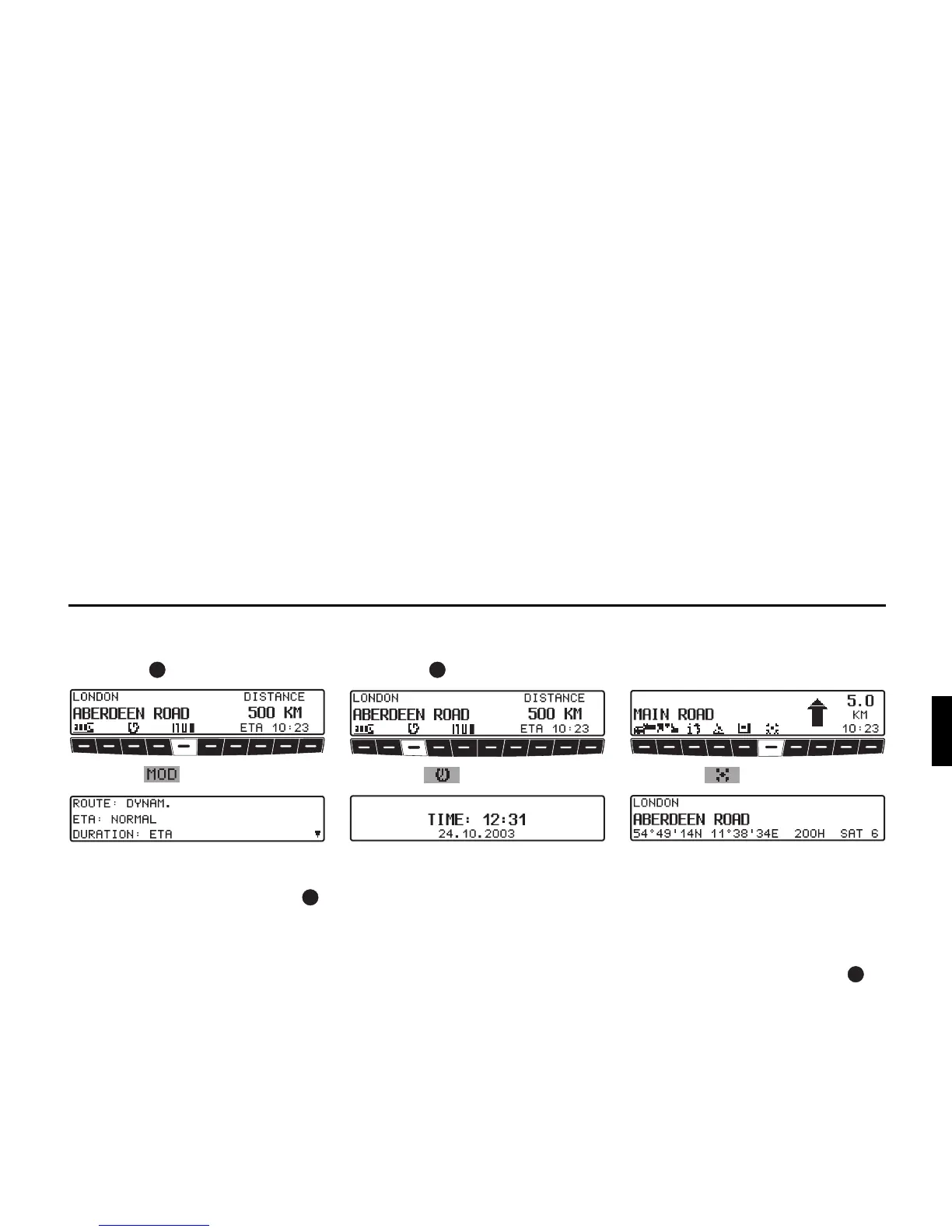
Displaying settings
X During navigation, press the left rota-
ry control .
X Press the multifunction button.
The settings are displayed in a list.
X It is possible to scroll through the list
by turning the right rotary control .
After 8 seconds without operation, the
system returns to the route guidance dis-
play.
Requesting current time
X During navigation, press the left rota-
ry control .
X Press the multifunction button.
Current time and current date are dis-
played.
After 8 seconds, the system returns to
the navigation display.
Calling up current position
During route guidance, the current posi-
tion can be requested.
X Press the multifunction button.
The current position with road name (if
available), degrees longitude and lati-
tude, altitude above sea level and the
number of satellites received are dis-
played.
X Pressing the right rotary control re-
turns you to the route guidance dis-
play.















 To Next Page