Installation Guide
206
Installation of the Navigation Software
•Press .
• Insert the Navigation CD to install the software for the navigation
system.
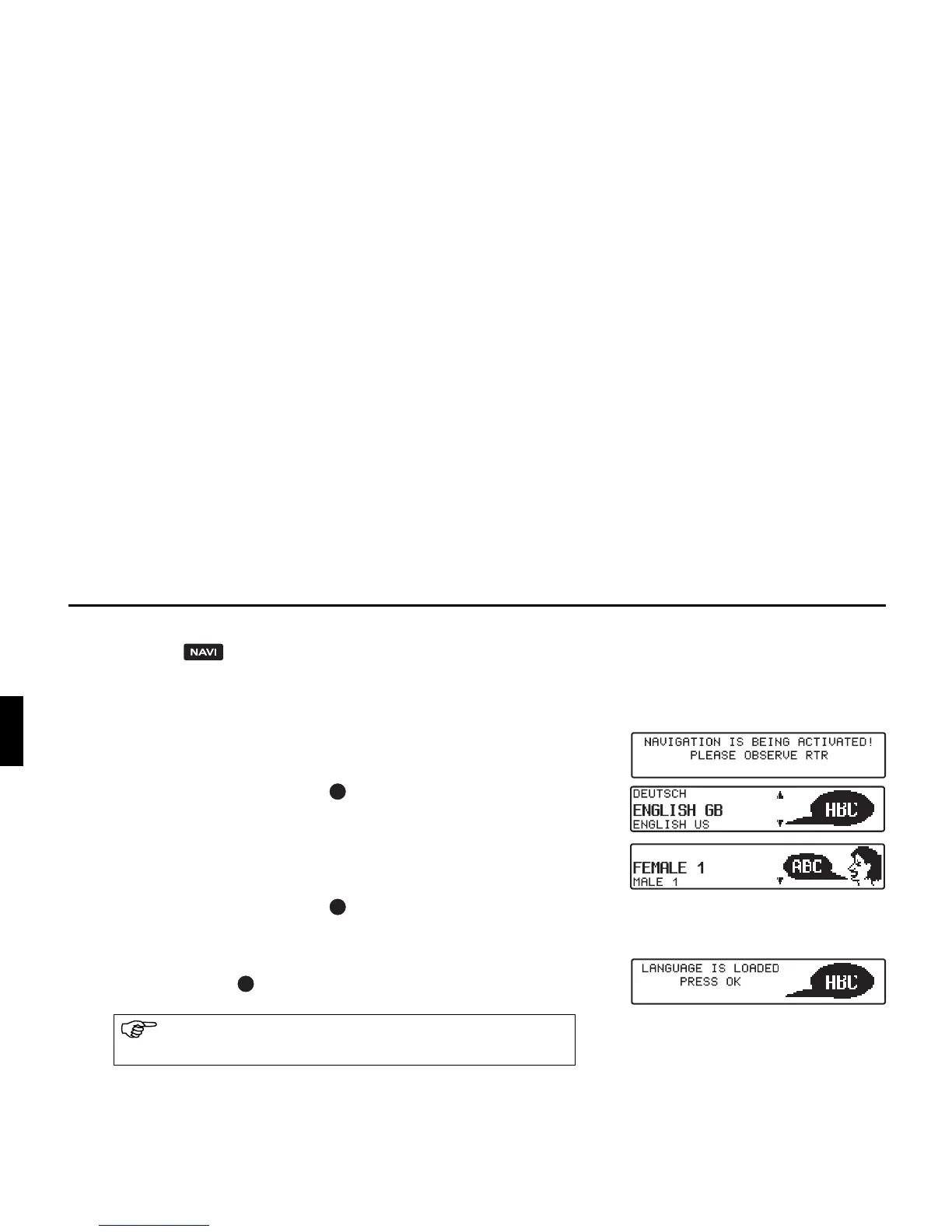
• After the navigation software has been installed, the adjacent dis-
play appears. The language selection is then requested.
• With the right rotary control , select language. The language se-
lection is accepted by pressing the control.
With some languages, a selection can be made between male and
female voices.
With the right rotary control , select voice. The voice is applied
and installed by pressing the control.
The adjacent display appears after installation. Then press the right
rotary control to confirm.
The language selection can be changed at a later time, as de-
scribed in the operating guide.















 To Next Page