154
Radio mode
Dynamic autostore (FM-DAS)
X Requesting radio menu mode.
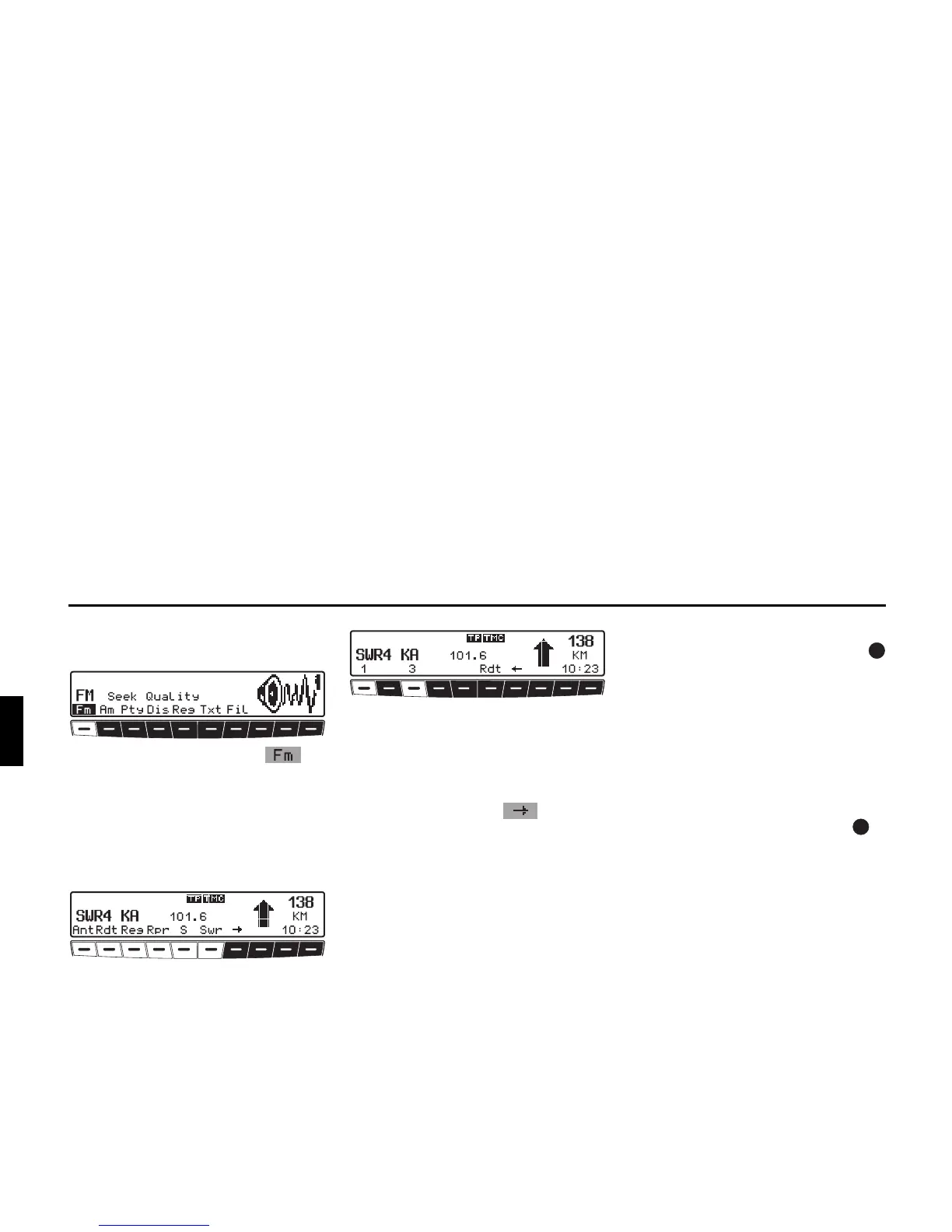
X Press multifunction button re-
peatedly until Seek Quality or Seek
Name is displayed.
In the FM DAS mode, the receivable sta-
tions are displayed via the multifunction
buttons depending on the settings.
Set the desired station by pressing the
button directly below the abbreviated
station designation. If the selected sta-
tion broadcasts several programmes/re-
gional programmes, a submenu is
automatically displayed to select the de-
sired programme.
If a programme has previously been se-
lected that belongs to the particular sta-
tion programming chain, the last stored
programme entry will be automatically
selected.
Multifunction button indicates
that, by pushing this buttons, other sta-
tions can be displayed and selected.
If station names are being misused to
send advertisements or messages, this
station is indicated with
L-1... L-Z (L =
Local) instead of the abbreviated station
name. This prevents the lower display
line from constantly changing. When a
station is selected, it is identified by a
star (i.e.
L*1).
The first time the unit is operated, or af-
ter the electrical supply has been inter-
rupted, it may take the radio some time
to evaluate the station signals. The dis-
play will appear incrementally as the
evaluation progresses.
Station search FM-DAS
X Turn the right-hand rotary control
to the left or right.
The radio displays the receivable and
identified stations in descending/ascend-
ing order.
Station search MW, LW, SW
X On the desired waveband (MW, LW,
SW) turn the right rotary control to
the left or right.
The radio searches for reception fre-
quencies in descending or ascending or-
der of frequency.















 To Next Page