172
MP3 mode
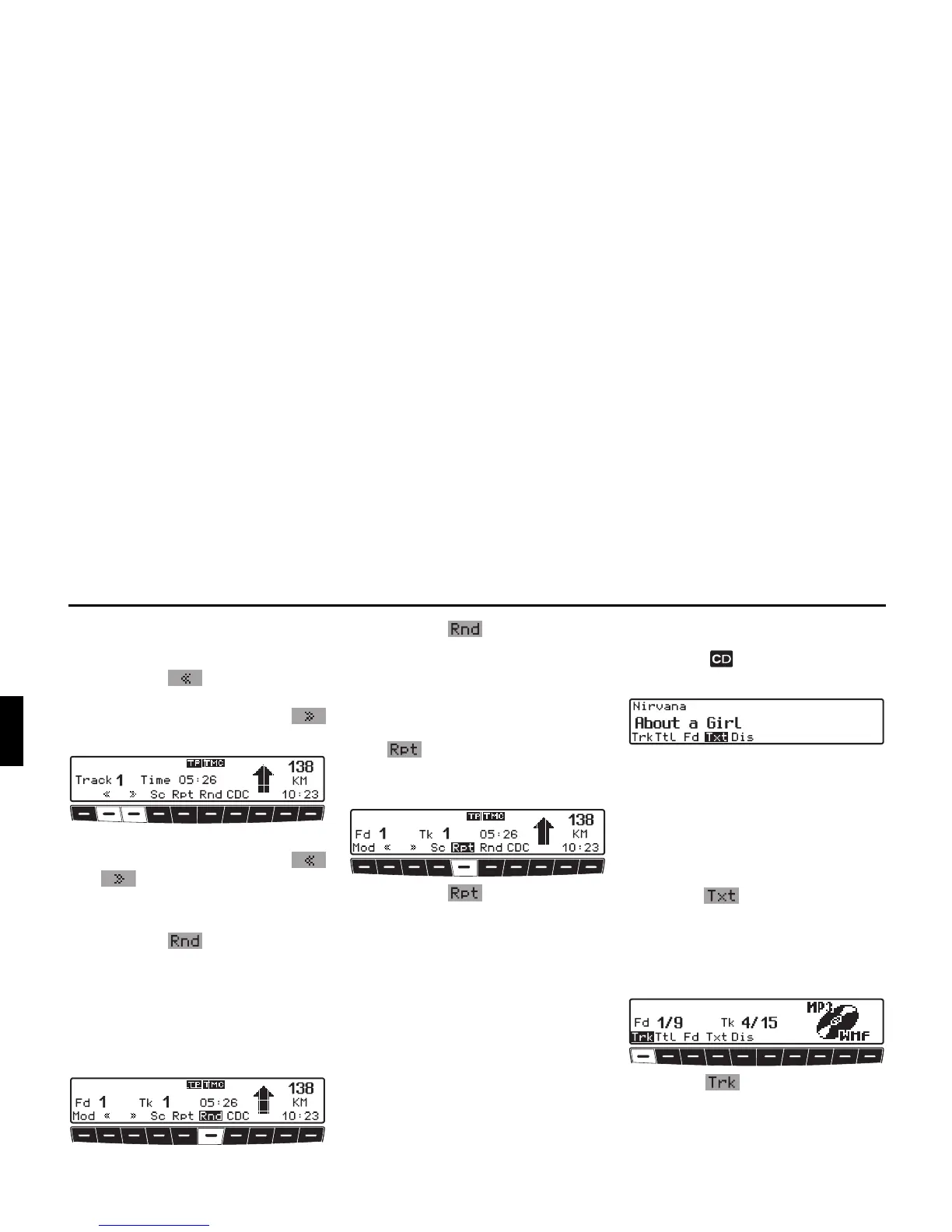
Fast forward / reverse
X Fast forward (audible) is activated by
pressing the multifunction but-
ton and fast reverse (audible) is acti-
vated by pressing the
multifunction button.
X Fast forward / reverse terminates
when the multifunction button
or is released.
Random Play
X Pressing the multifunction but-
ton activates the random play func-
tion.
Subsequently, the tracks from the cur-
rent folder or current playlist will be
played in random order. The prompt
Rnd is displayed inversely.
X Pressing the multifunction but-
ton again deactivates the “Random
Play” function.
Track repeat
X “Track repeat” is activated by pressing
the multifunction button.
The prompt Rpt is displayed inversely.
X Pressing the multifunction but-
ton again deactivates “Track repeat”.
MP3 settings menu
X Press the button whilst in MP3
mode.
The MP3 settings menu is displayed. As
additional information, if available, the
ID3 tag for the track currently playing is
displayed.
If another function is selected in the
MP3 settings menu, you can display the
ID3 tag again by pressing the multifunc-
tion button .
Number of folders/playlists/
tracks
X Requesting MP3 settings menu.
X Press the multifunction button.
The current folder or playlist number
and the current track number are dis-
played.
or















 To Next Page