142
Navigation mode
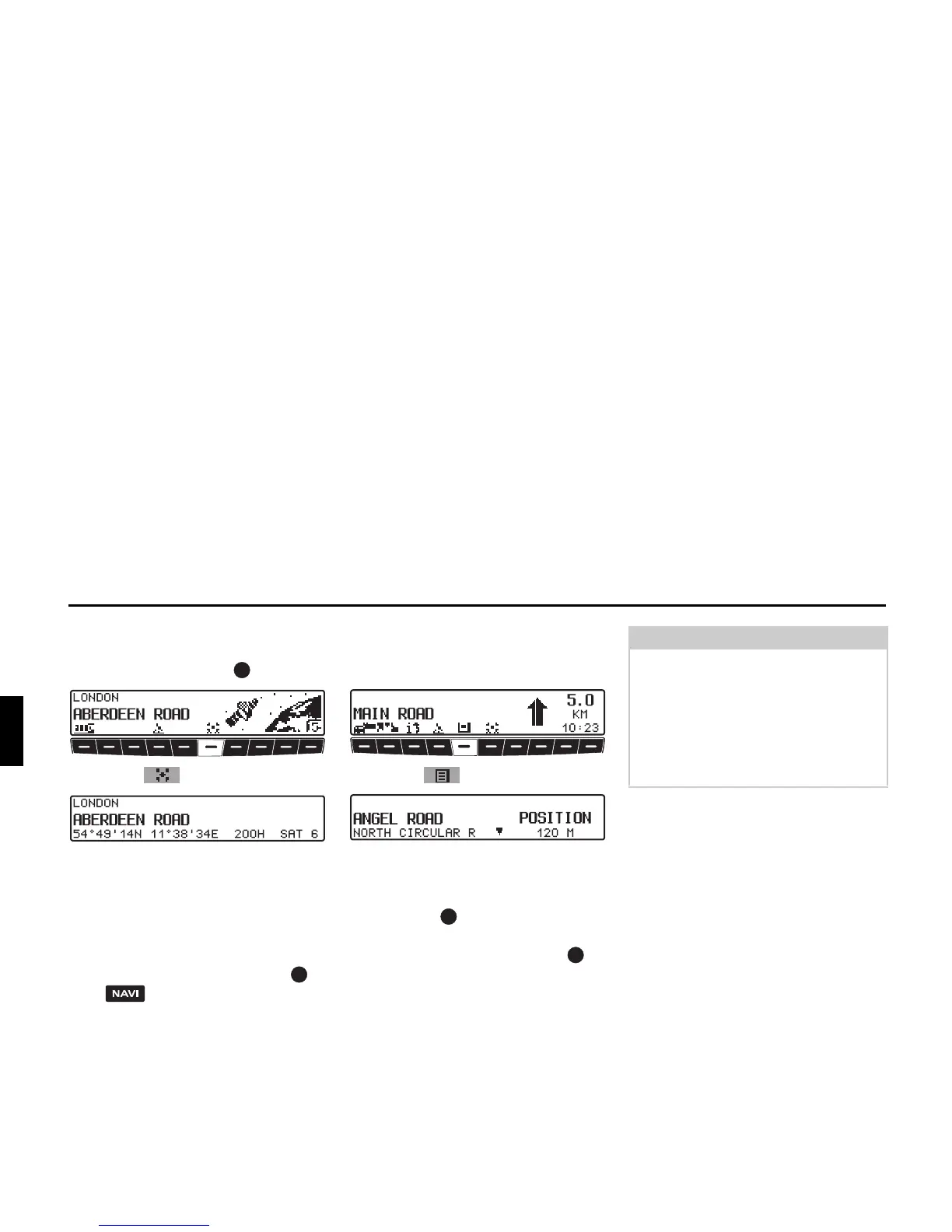
With inactive route guidance, the infor-
mation menu can be requested by press-
ing the left rotary control .
X Press the multifunction button.
The current position with road name (if
available), degrees longitude and lati-
tude, altitude above sea level and the
number of satellites received are dis-
played.
X Pressing the right rotary control or
the button returns you to the in-
formation menu.
Calling up road list
During route guidance, the list of roads
for the planned route can be called up.
X Press the multifunction button.
The current road and the road names up
to the destination are displayed. Scroll
through the route list by turning the right
rotary control .
X Pressing the right rotary control re-
turns you to the route guidance dis-
play.
Note:
After entering the destination, it will
take some time until the route list is
compiled.
If the vehicle is currently in an “off
road” area when the destination is en-
tered, no route list can be compiled until
a stored road is reached.















 To Next Page