143
Navigation mode
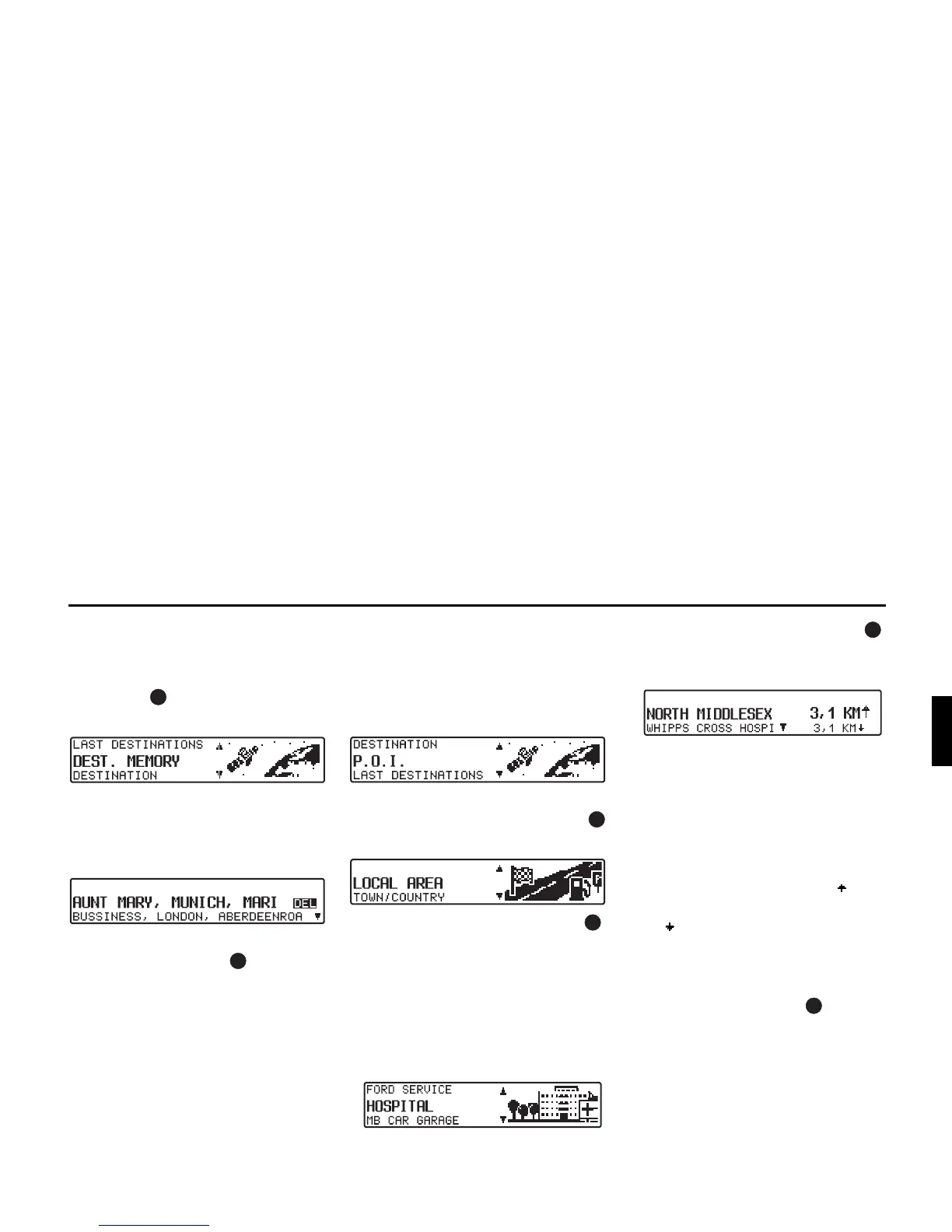
Destination memory
X In the Main Navigation Menu, select
DEST. MEMORY with the right rota-
ry control and press the control to
confirm.
The destination memory contains per-
sonally stored destinations.
Once a destination has been stored, it
does not have to be manually re-entered.
X Select the desired destination using
the right rotary control and press to
confirm.
X Then start route guidance.
P.O.I.
Menu for selecting points of interest
from a predetermined list. Points of in-
terest include petrol stations, airports or
hospitals, for example.
X In the Main Navigation Menu, select
P.O.I. with the right rotary control
and press the control to confirm.
X Using the right rotary control ,
make a selection and press to confirm.
• Special destinations LOCAL AREA/
NEAR DESTINATION
Special destinations in the current sur-
rounding area of the vehicle or special
destinations near the destination can
be selected.
X Using the right rotary control ,
select a category and press the con-
trol to confirm.
Destinations are listed according to
proximity. The figures in kilometres
relate to the direct distance (as the
crow flies) between the point of inter-
est and the current location.
The arrows following the distance in-
formation indicate the direction of the
relevant point of interest (e.g. point
of interest lies in the direction of trav-
el, point of interest lies in the oppo-
site direction to that of travel).
X Select the desired destination using
the right rotary control .















 To Next Page